








Stream Starting Soon + Youtube Live Viewers Likes Counter Overlay
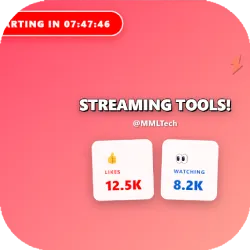
A plug-and-play YouTube live thumbnail overlay for OBS Studio. Automatically shows stream title, channel name, live likes & viewers, “Starting Soon” countdown that switches to LIVE, and animated emote faces fully customizable via one config.json file.
Screenshots
Preview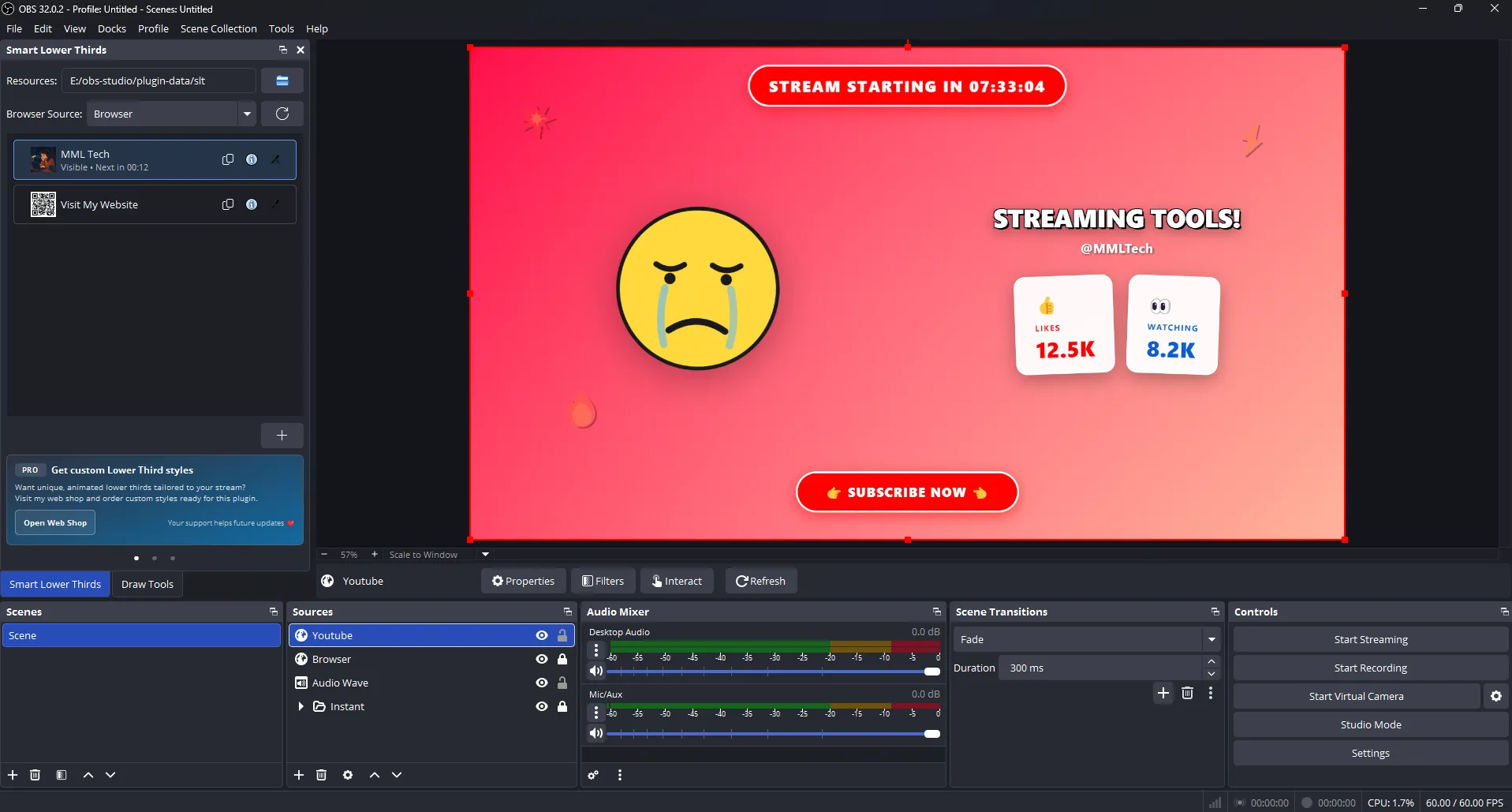
YouTube Live Thumbnail Overlay (OBS Studio Browser Source)
The YouTube Live Thumbnail Overlay by MML Tech is a plug-and-play
YouTube livestream overlay for OBS Studio that automatically pulls key stream info
and displays it in a clean, high-impact layout. It can show your
stream title, channel name, live likes, and
live viewers, alongside a “Stream Starting Soon” countdown that
switches to LIVE when the timer ends. It also includes
animated reaction emote faces and a fully customizable theme all controlled from a
single config.json file (no coding required).
What It Does
This overlay is designed to run as an OBS Browser Source using the
Local File workflow. You add the HTML file to OBS, then control everything from
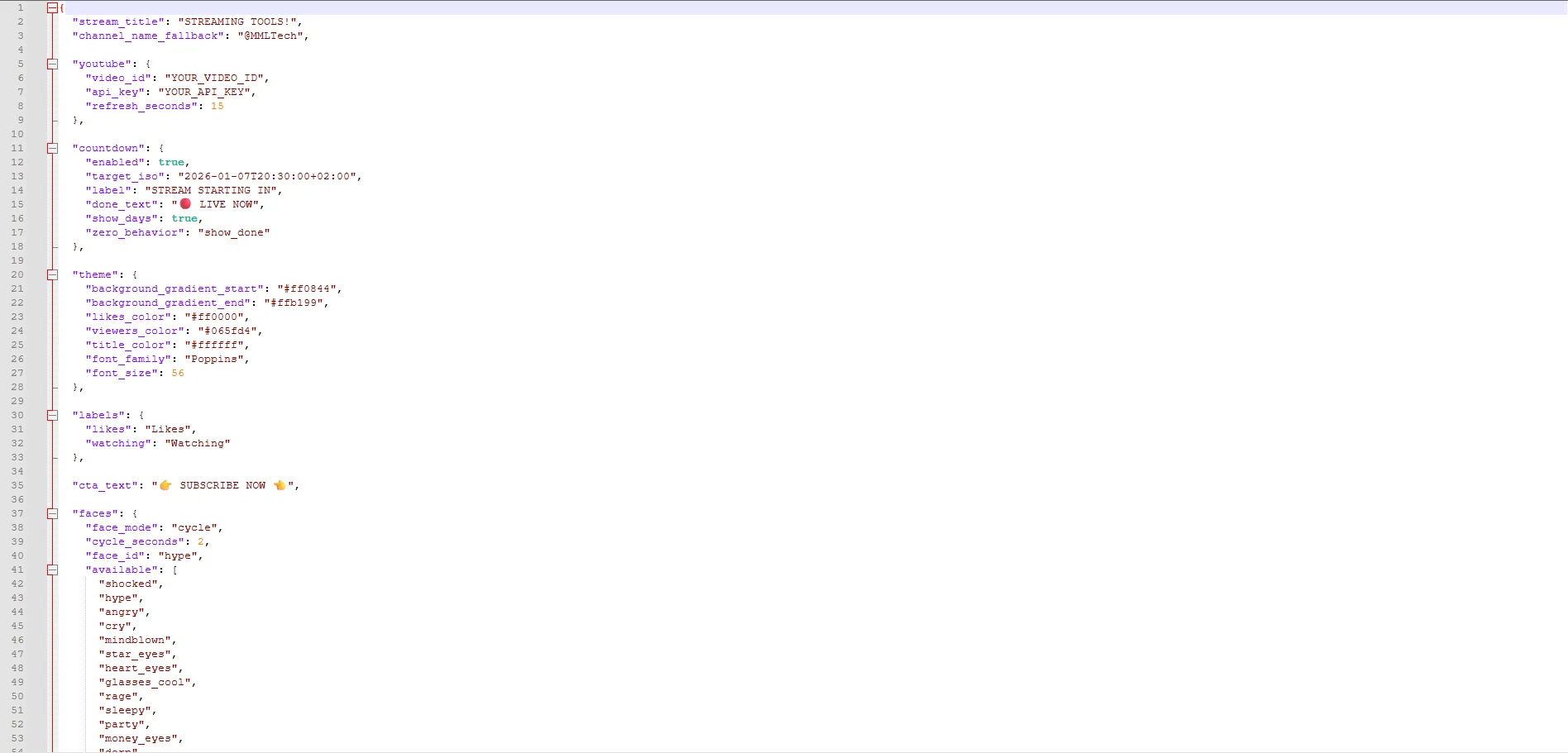
config.json: YouTube API settings, refresh interval, countdown schedule, labels, colors,
typography, and call-to-action text. When YouTube data is available, the overlay can
overwrite the fallback title and channel name automatically, and it updates
live stats at the refresh interval you choose.
Key Features
- Automatic stream info: displays YouTube stream title and channel name (with fallbacks)
- Live stats: shows real-time likes and live viewers
- Starting Soon countdown: configurable timer with ISO start date/time + timezone
- Auto LIVE switch: changes to LIVE NOW (or your custom text) when countdown ends
- Browser Source ready: works as an OBS Browser Source using Local File
- One-file setup: everything is controlled from
config.json(no HTML edits required) - Theme controls: gradient background, colors, font family, and font sizing
- Custom labels: rename Likes/Watching to match your style (Viewers, Live Viewers, etc.)
- Call-to-action line: configurable CTA text (Subscribe, Like, Follow, etc.)
- Animated emote faces: cycle mode (auto-rotating) or static mode (fixed face)
- Refresh interval control: adjust update speed (recommended 10 - 30 seconds for quota safety)
Requirements
- OBS Studio: latest version recommended
- YouTube livestream or video: you need a valid video ID
- YouTube Data API Key: required for live stats (likes/viewers)
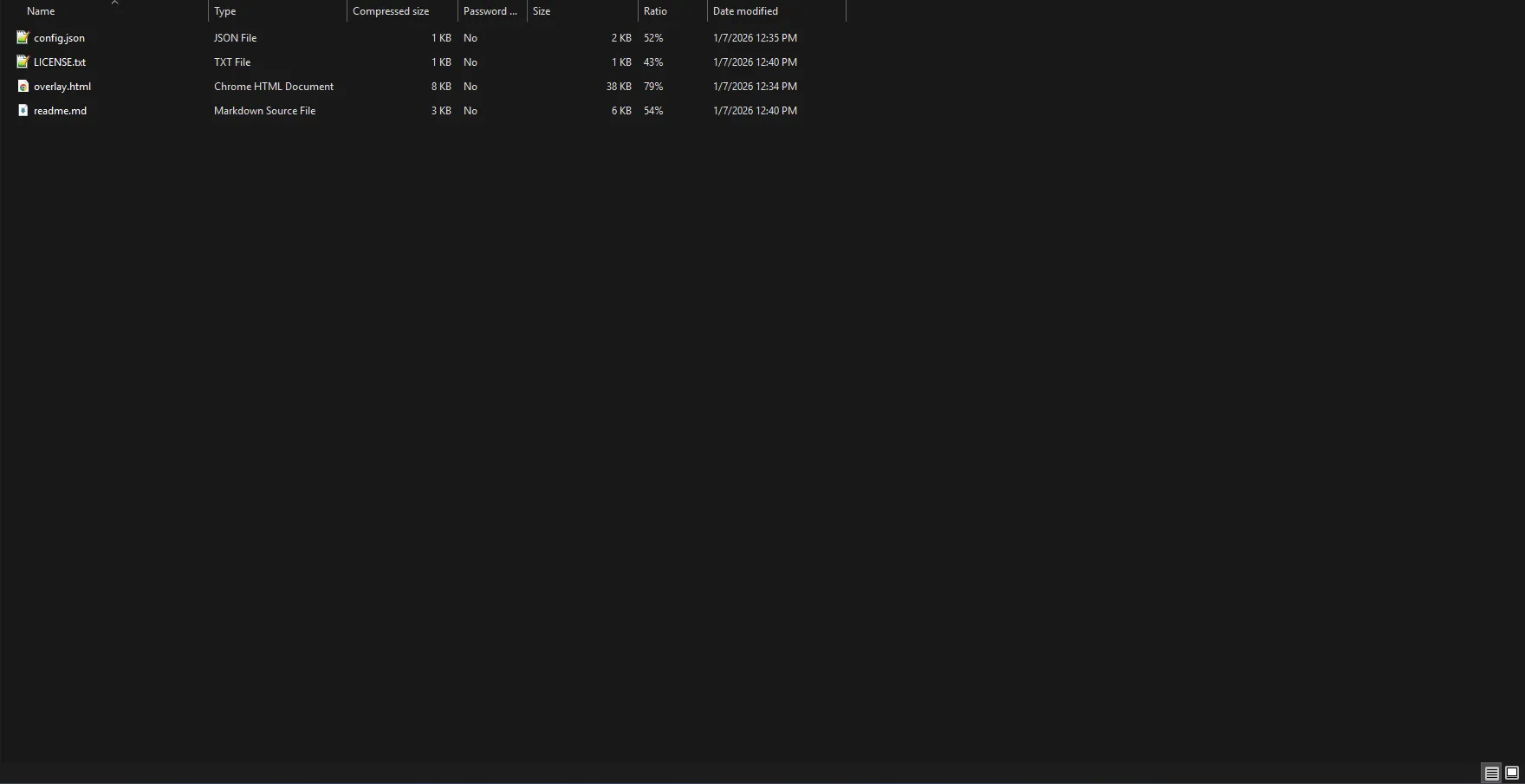
- Overlay files: HTML +
config.jsonin the same folder
How to Add the Overlay to OBS Studio
- Open OBS Studio.
- Click + in Sources and choose Browser Source.
- Name it (example: YouTube Live Overlay).
- Enable Local File.
- Browse and select the overlay HTML file.
- Set the resolution (recommended):
- Width: 1920
- Height: 1080
- Click OK. The overlay will appear on your canvas.
How Configuration Works
This overlay is built for beginners: you only edit config.json. After saving changes,
OBS updates automatically (or you can refresh the Browser Source if needed). The configuration includes:
- YouTube settings:
video_id,api_key, refresh interval - Countdown schedule:
target_isowith timezone, labels, and zero behavior - Theme: gradient colors, title color, likes/viewers colors, font family, font size
- Labels + CTA: customize text for Likes/Watching and your call-to-action line
- Faces: cycle mode or static face, plus a list of included emote styles
Countdown & LIVE Behavior
The countdown supports a precise ISO timestamp (including timezone) so your “Starting Soon” screen stays accurate.
When the timer reaches zero, the overlay can either show a LIVE message (recommended) or
hide the badge, depending on your zero_behavior setting.
- Show days: optionally display days for long countdowns
- Done text: customize what appears at zero (example: 🔴 LIVE NOW)
- Timezone support: avoids “wrong time” issues when formatted correctly (e.g.
+02:00)
Styling & Branding Tips
- Match your channel colors: use HEX theme values to align with your brand
- Choose readable fonts: set a Google Font name (example: Poppins) for clean titles
- Keep stats legible: pick strong contrast for likes/viewers colors against the background
- Use a strong CTA: “SUBSCRIBE NOW”, “LIKE & SHARE”, or a campaign message
- Emote strategy: use cycle mode for energy, static for a cleaner look
Best Use Cases
- Starting Soon scenes: countdown + animated faces to keep viewers engaged
- YouTube live thumbnails: a bold overlay that looks good on-stream and in recordings
- Live engagement: visible likes/viewers to reinforce social proof
- Event streams: scheduled start times with reliable timezone formatting
- Creators & brands: consistent theme and labeling controlled from one config file
Common Issues & Fixes
- Stats not updating: verify API key, video ID, and that the stream/video is accessible
- Countdown wrong time: confirm the timezone portion of
target_iso(e.g.+02:00) - Nothing updates: refresh the Browser Source in OBS after saving
config.json

