







PUBG Survivor Broadcast Overlay Pack
A premium, tactical-themed stream pack designed for PUBG creators. Includes animated Intro, Outro, BRB, and Game scenes with advanced "punch-through" transparency and low-impact performance.
Screenshots
Preview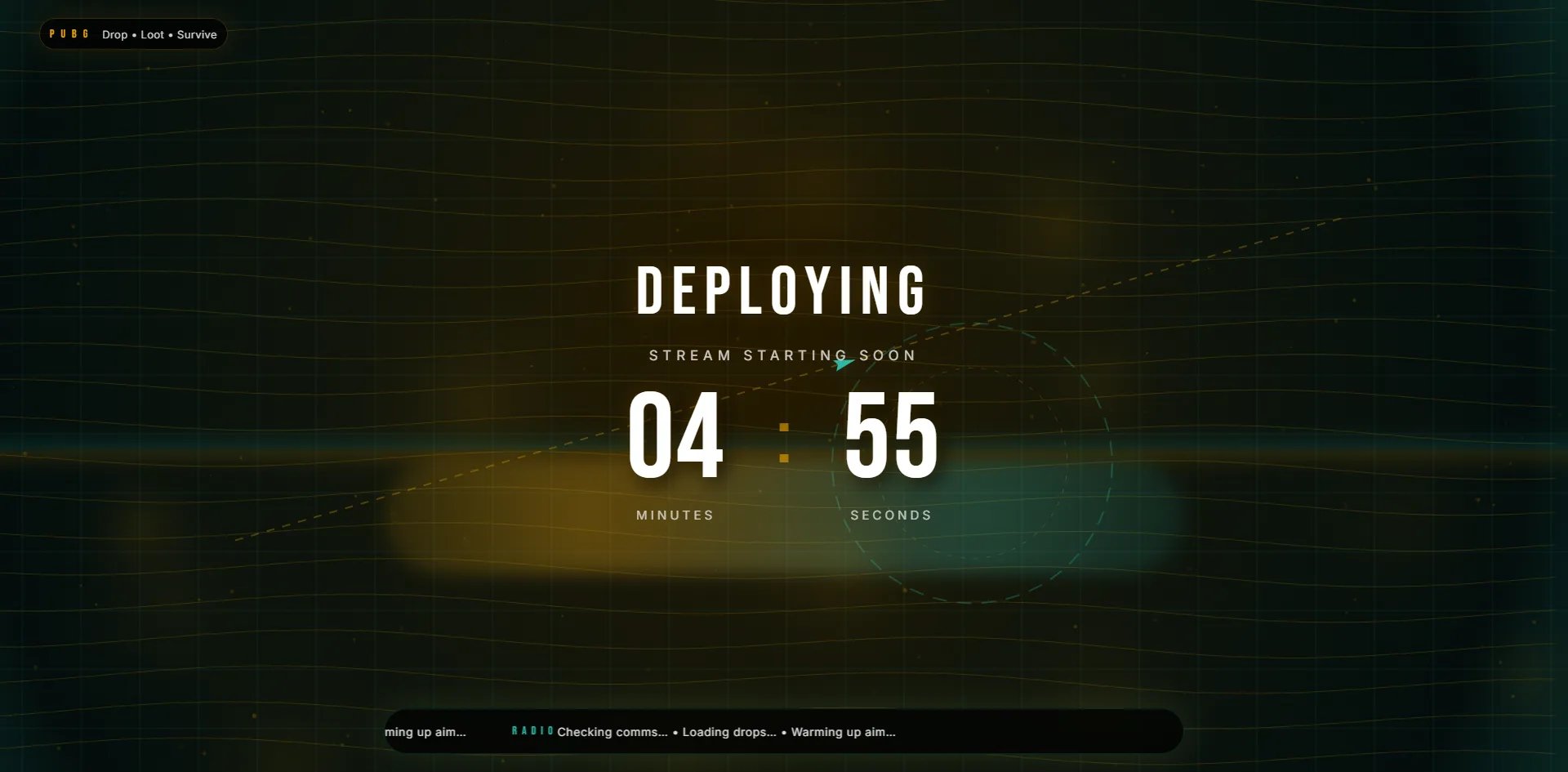
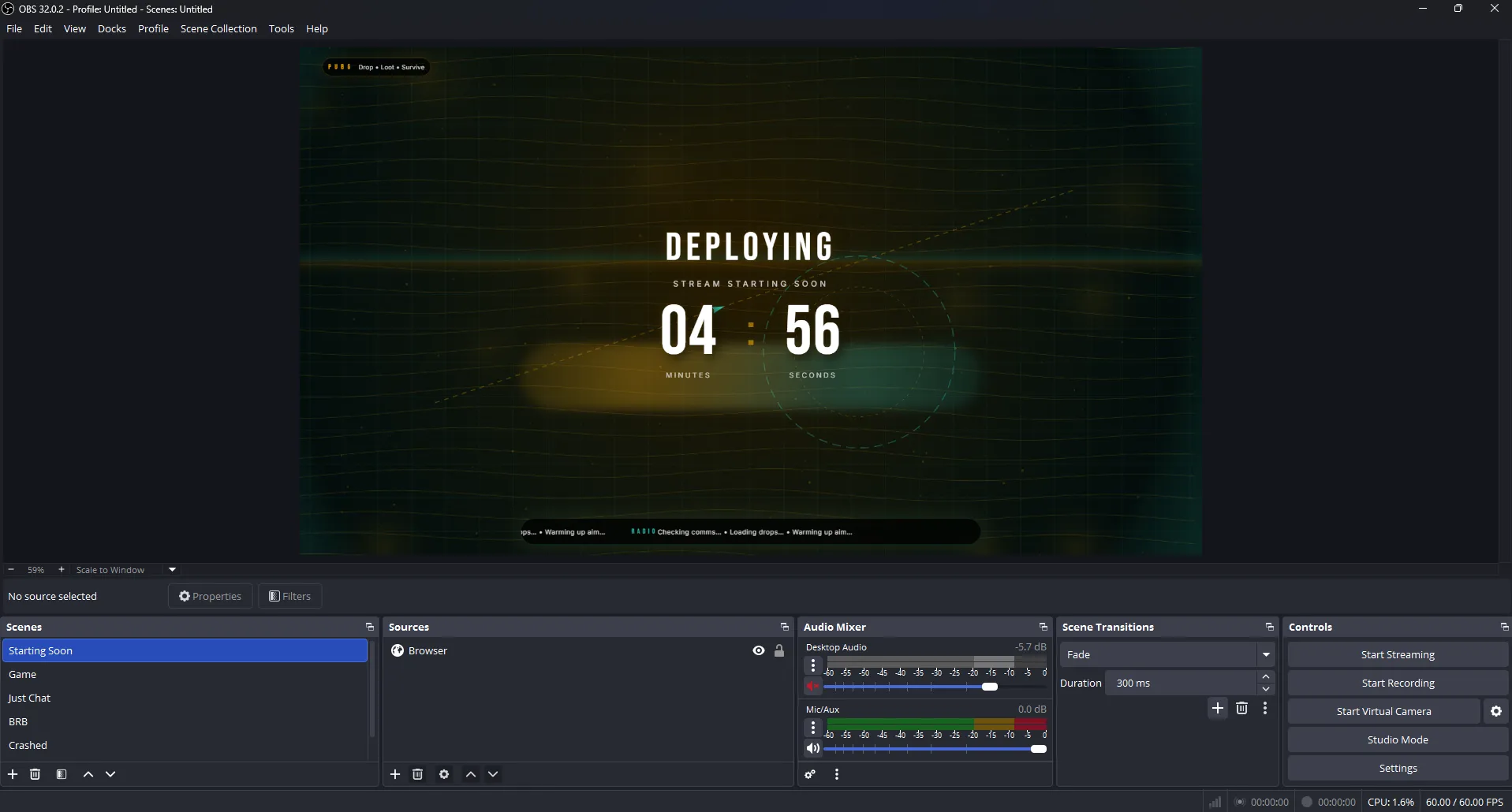

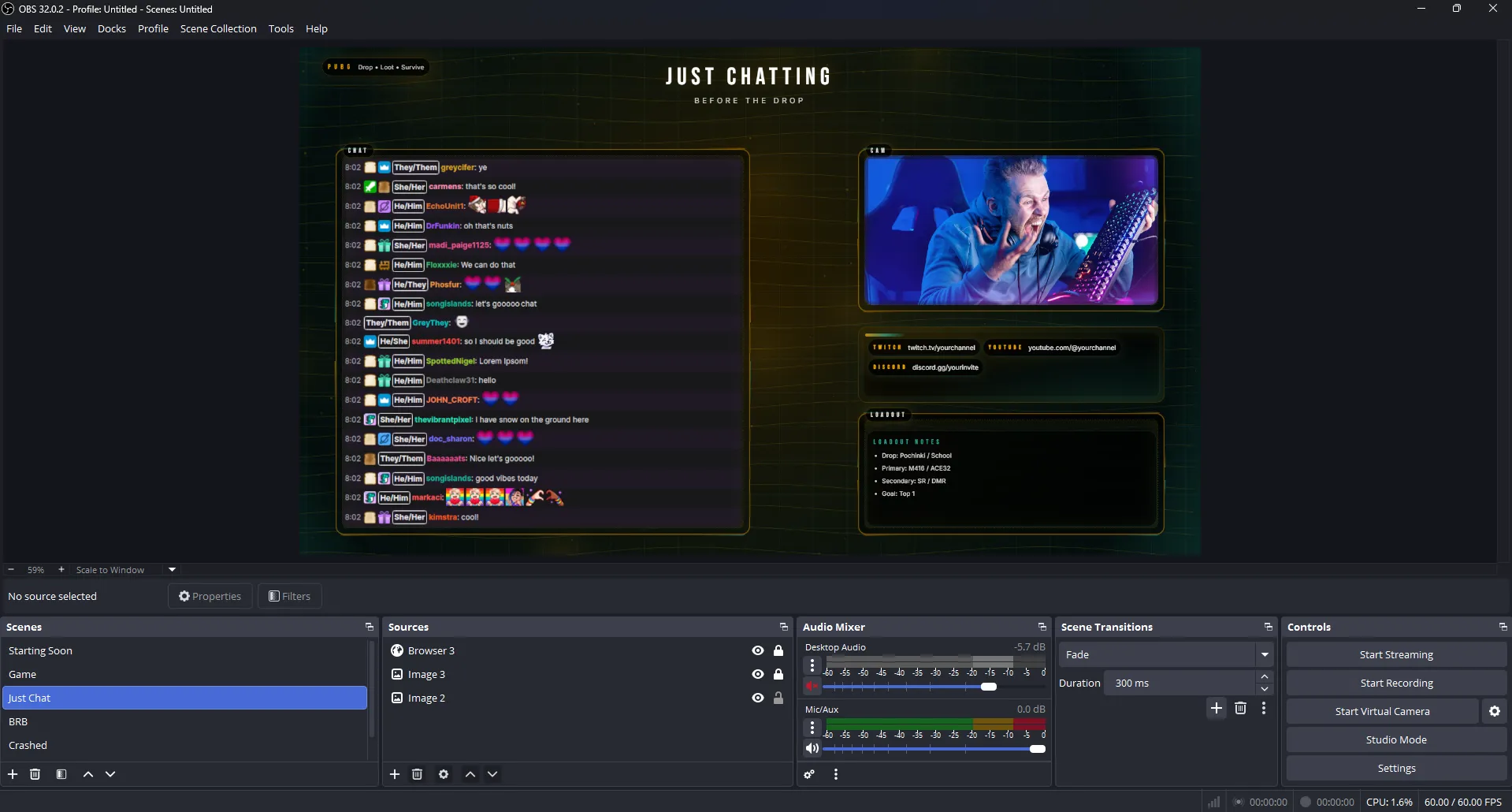
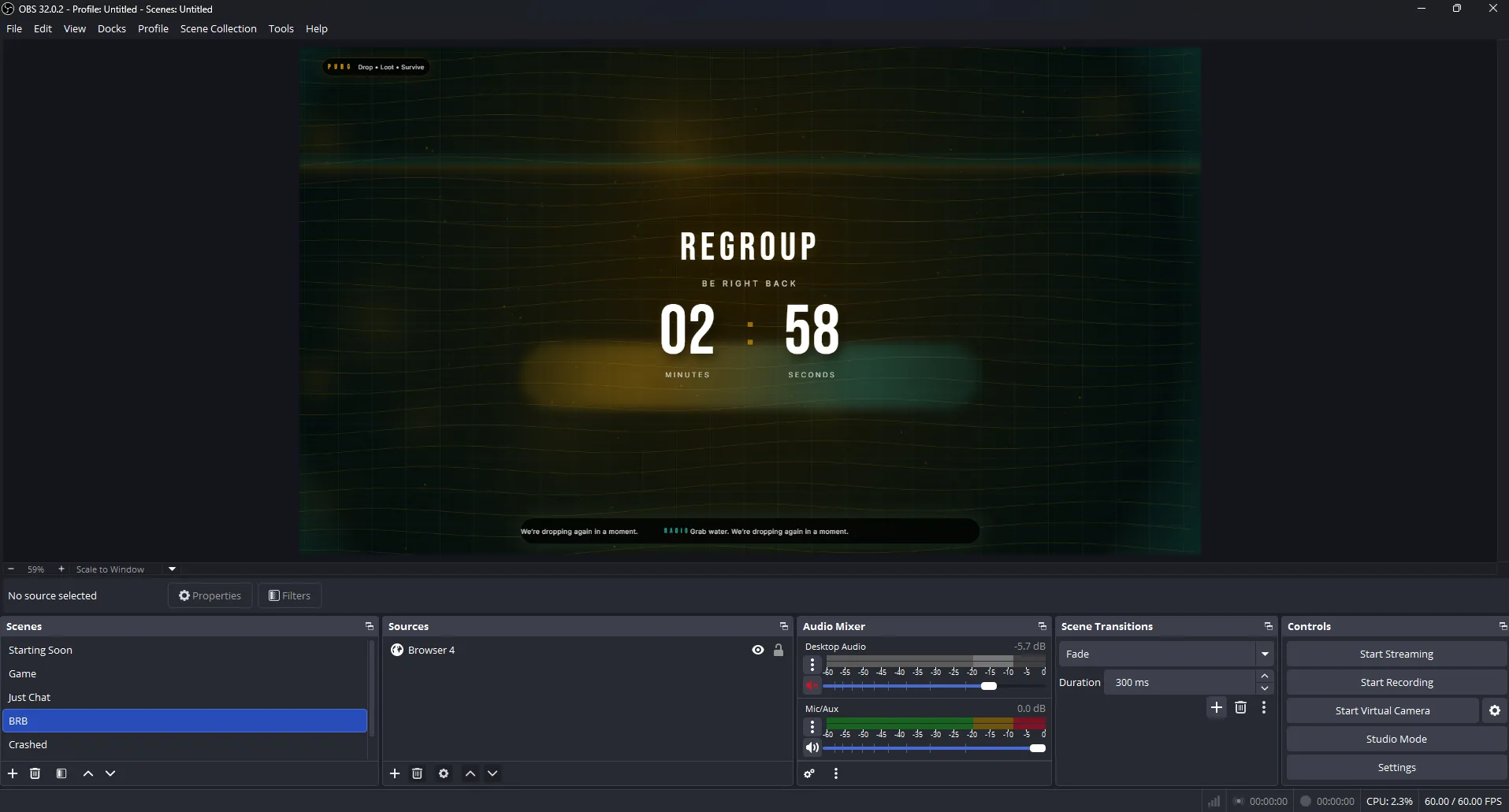
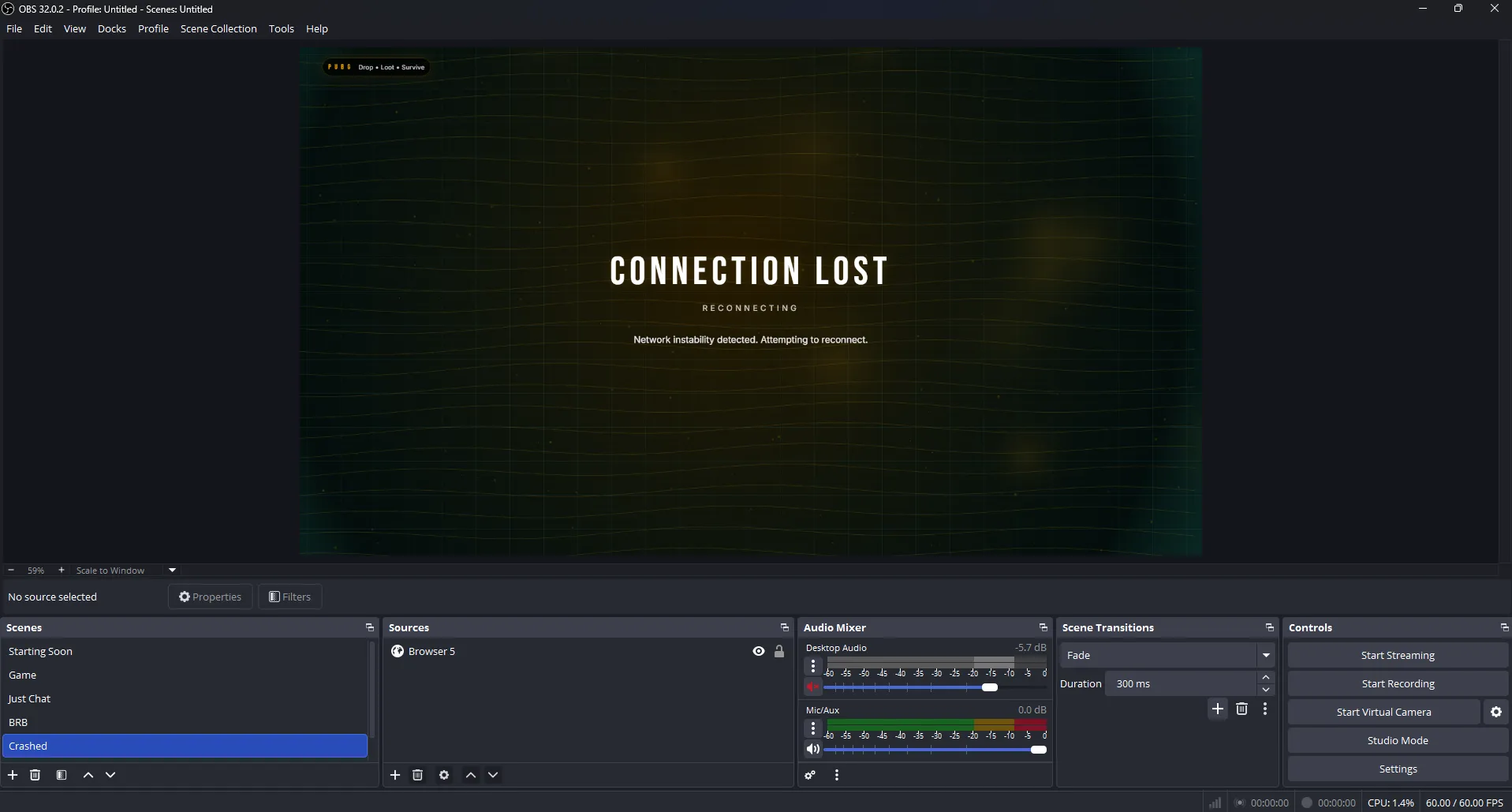
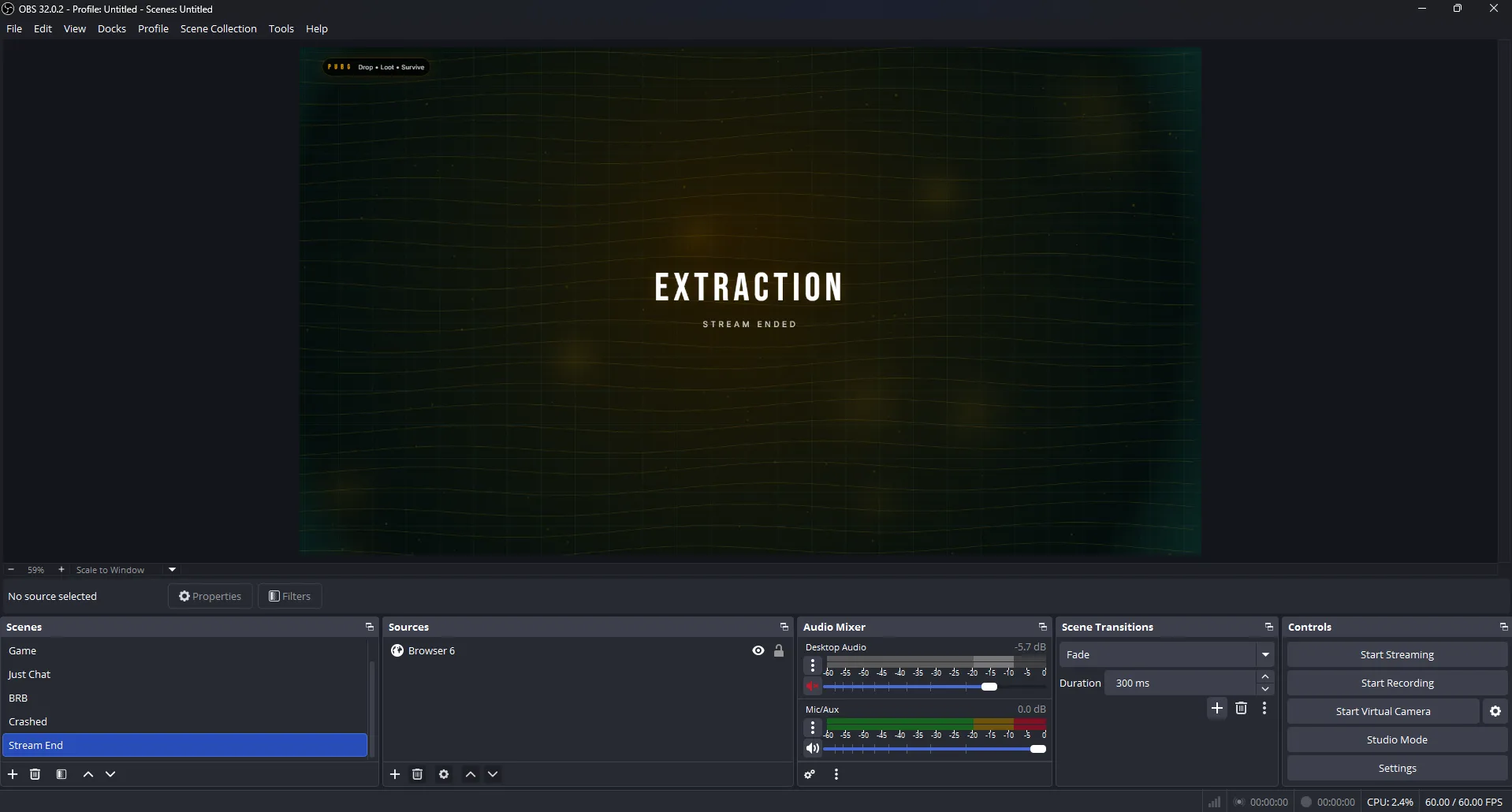
The PUBG Survivor Broadcast Pack is a premium, tactical-grade OBS Studio overlay pack designed for high-stakes Battle Royale creators. Featuring a rugged, military-inspired aesthetic with Bebas Neue typography and dynamic smoke effects, this pack provides everything you need to deliver a professional Twitch or YouTube broadcast.
Tactical Precision for Your Stream
Don't settle for generic graphics. This pack is engineered for performance, using a modern local-file workflow that ensures your game stays smooth while your stream looks like a professional esports production.
- Full Scene Suite: Includes dedicated
Intro,Outro,BRB, andJust Chattingscenes. - Advanced Game HUD: Dynamic game frames with optional heartbeat vignettes and compass-style headers.
- Optimized Performance: Built-in Punch-through transparency ensures low CPU usage and zero-lag rendering.
- Atmospheric Effects: Interactive Canvas-based smoke and dust particles create a gritty, immersive environment.
Complete Scene Breakdown
The "Survivor" Game Layout
Keep the focus on the action. Our game frame features a Tactical HUD that perfectly frames your gameplay, webcam, and chat. It includes a built-in Sponsor Marquee and Social Media Chips that rotate automatically to keep your brand visible.
Professional Intermission Screens
Whether you are redeploying or taking a break, keep your audience engaged. The Regroup (BRB) and Deploying (Intro) scenes feature functional countdown timers and atmospheric animations that maintain the intensity of the match.
Technical Fail-Safe: The Crash Screen
Unexpected disconnect? The included Connection Lost scene (crash.html) allows you to communicate technical issues to your audience instantly, keeping your production value high even during downtime.
Fully Customizable via JSON
You are in control of the deployment. Through the config.json file, you can easily adjust:
Theme Colors (Amber/Teal) • Smoke Intensity • Social Media Links • Sponsor Text • Countdown Durations
Frequently Asked Questions
Why won't my config changes save?
This is common with Windows Security. If you have installed the pack inside C:\Program Files\obs-studio, Windows may block the plugin from updating the config.json.
The Fix: Move the entire pack folder to your Documents folder or another user directory. Re-target your Browser Sources in OBS, and your settings will save perfectly.
How do I change the social media handles?
Simply open the config.json file in any text editor. Locate the socialLinks section and update the labels and values. Save the file and refresh your OBS Browser Source to see the changes live.
What is "Punch-through" transparency?
It is a specialized rendering method used in this pack to ensure maximum performance. It allows OBS to render the overlay without the heavy processing power required by traditional "Web-server" based overlays.
Ready for Extraction? Level up your broadcast today with the most tactical PUBG overlay on the market.

