



Professional Animated YouTube Lower Third with Dynamic Customization
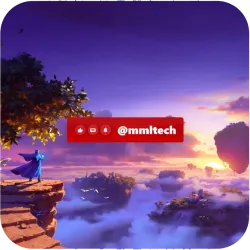
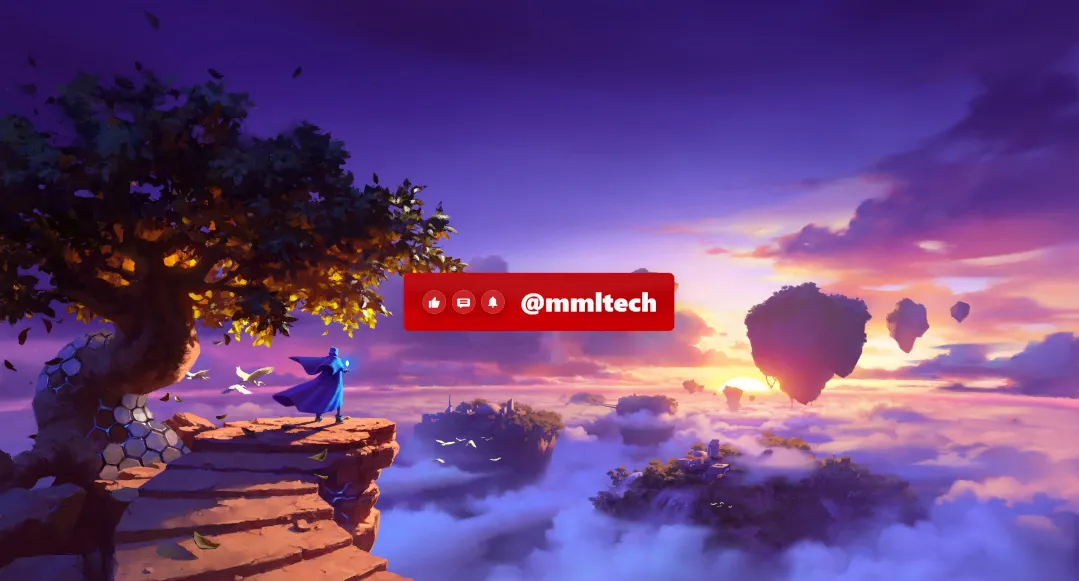
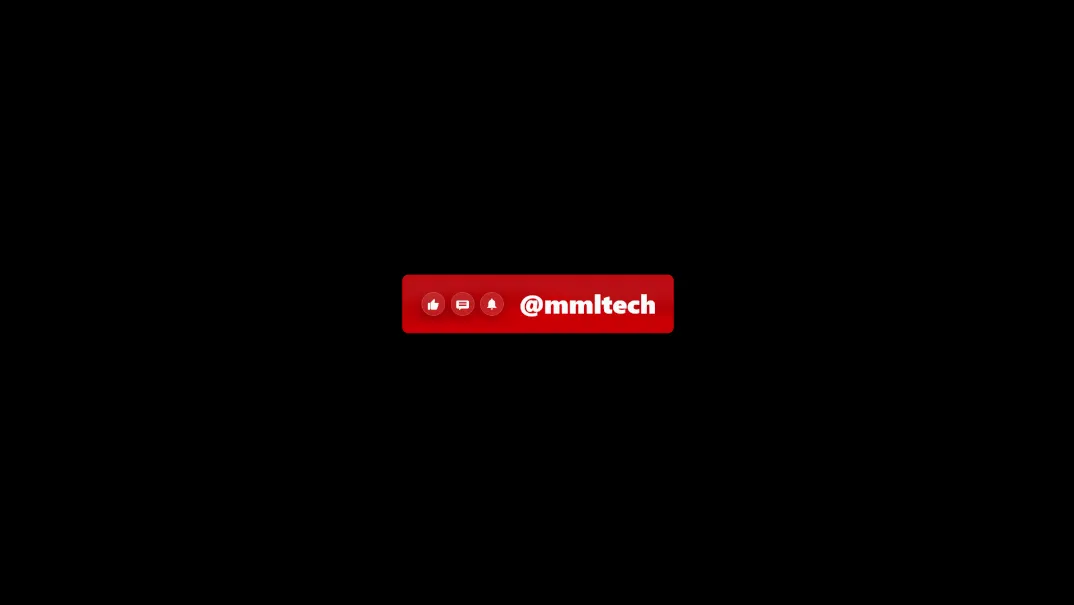
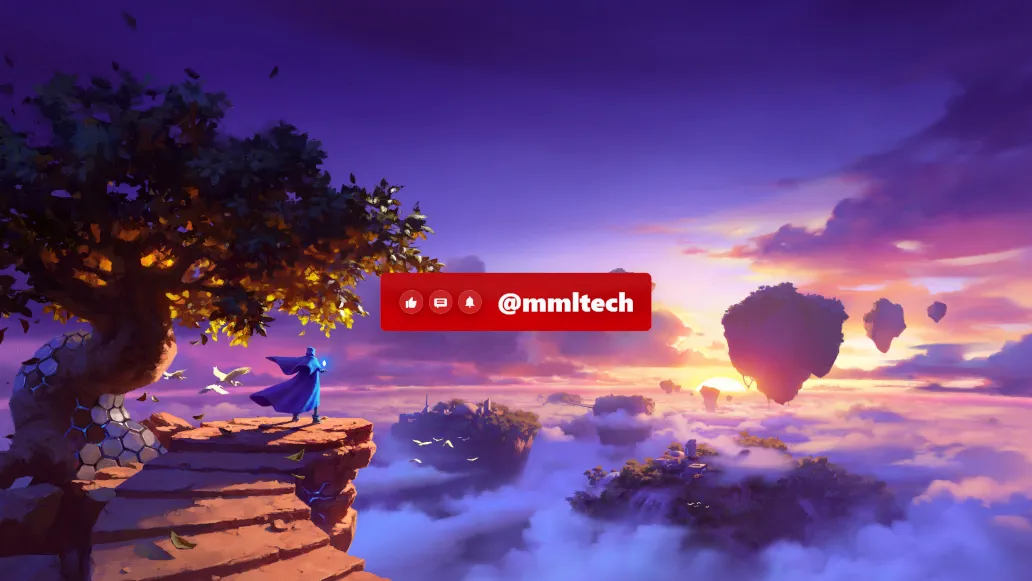
Customizable YouTube lower third featuring smooth slide-in animations, a dynamic canvas background, and @mmltech branding. Fully configurable HTML/CSS/JS template with adjustable colors, opacity, and icons.
Professional Animated YouTube Lower Third with Dynamic Customization
Elevate your video production with a high-performance, sleek visual overlay designed for modern creators. Built using a robust combination of HTML5, CSS3, and the Web Animations API, this template provides a broadcast-quality experience directly in your browser or streaming software.
Key Design Features
- Smooth Slide Motion: The design features a sophisticated entrance and exit sequence. Upon activation, the card expands horizontally while the interactive icons and title slide into place using custom cubic-bezier easing for a professional, organic feel.
-
Canvas-Powered Background: Behind the main content lies a live
<canvas>element that renders an animated abstract wave pattern. It uses mathematical sine waves to create fluid motion, adding depth and a premium look to your social media tag. - Interactive Icon Sequence: The layout prominently displays three essential YouTube calls-to-action: Like, Comment, and Bell. These are housed in "glassmorphism" circular containers featuring backdrop filters and subtle shadows.
- Fully Configurable via JSON: You have total control over the aesthetic. Easily adjust the primary background color, global opacity, font family (defaulting to Gill Sans), and corner radius to perfectly match your brand.
🚀 Instant Integration
This theme is dedicated for OBSCountdown Smart Lower Thirds. It is designed for a seamless "plug and play" experience:
- Create a new lower third on the platform.
- Open the Settings dialog.
- Click Import.
- Voila! The theme is applied instantly and ready for your broadcast.
Technical Specifications
Because this lower third is rendered via code rather than a static video file, it maintains perfect clarity at any resolution from 1080p to 4K. It is lightweight and highly optimized for OBS Studio, vMix, or browser-based streaming platforms.
Current Configuration: Title: @mmltech | Font: Gill Sans | Background: #ca0007.
Your support funds hosting, updates, and new features for obscountdown.com tools.

