


plugin
windows
macos
linux
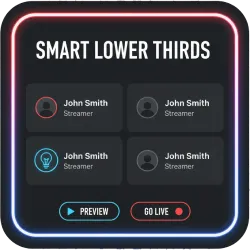
Smart Lower Thirds Professional Animated Graphics
Create, manage, and automate professional animated lower thirds directly in OBS Studio. Featuring a zero-lag local workflow, Stream Deck integration, and fully customizable templates for streamers and broadcasters.
Screenshots
Preview
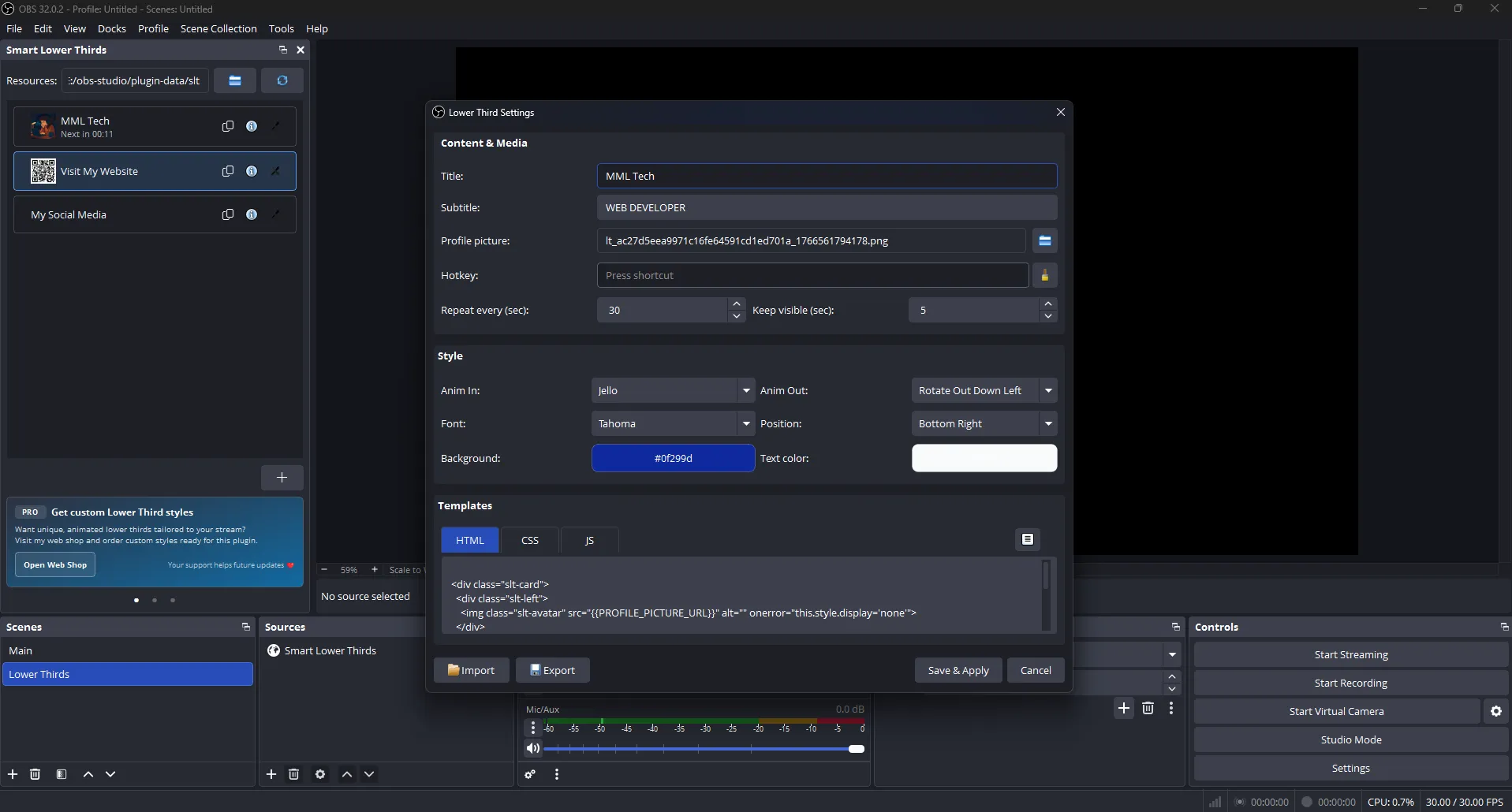
Lower Third Configuration Dialog
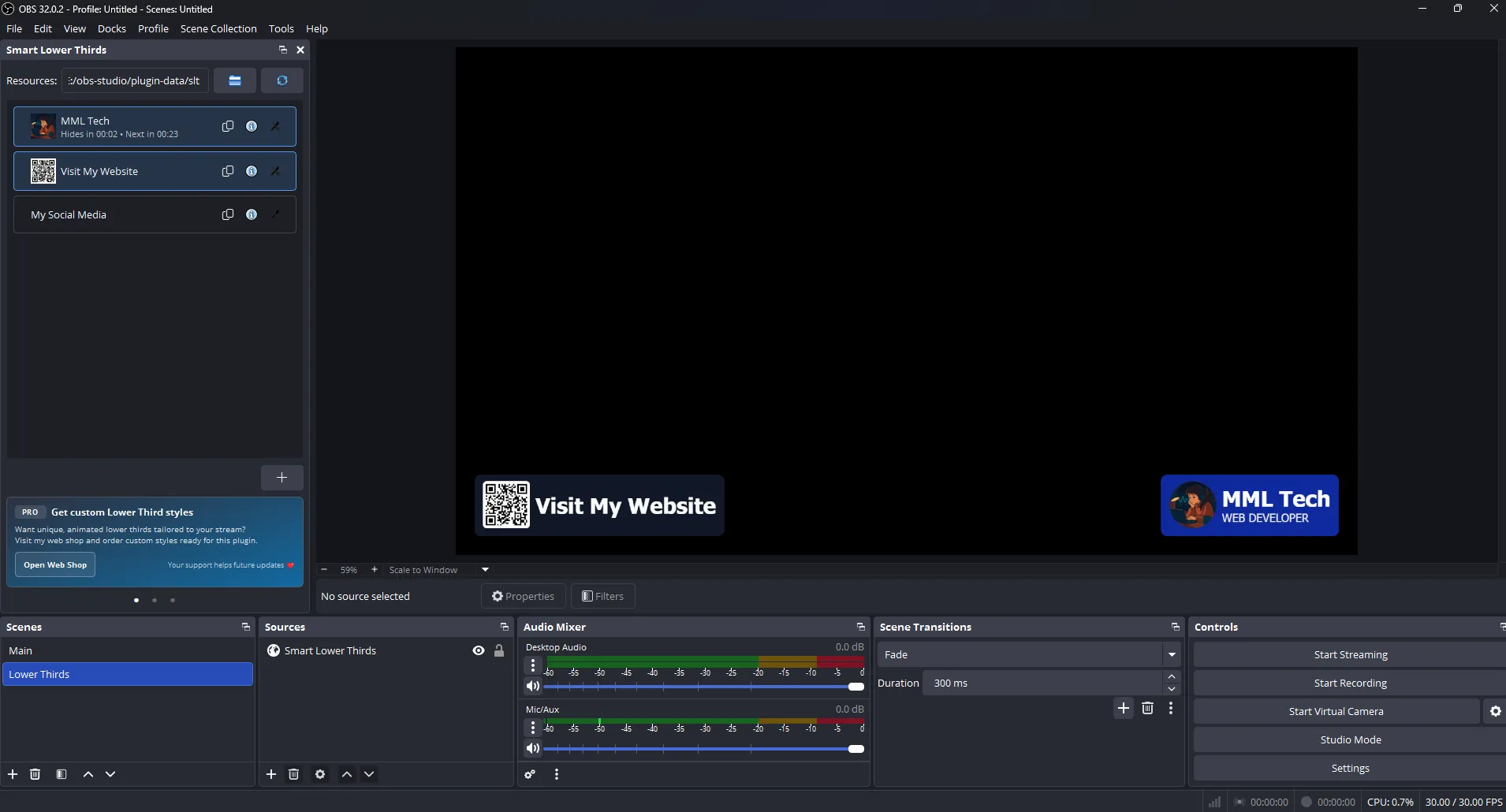
Multiple Lower Thirds in the same Scene
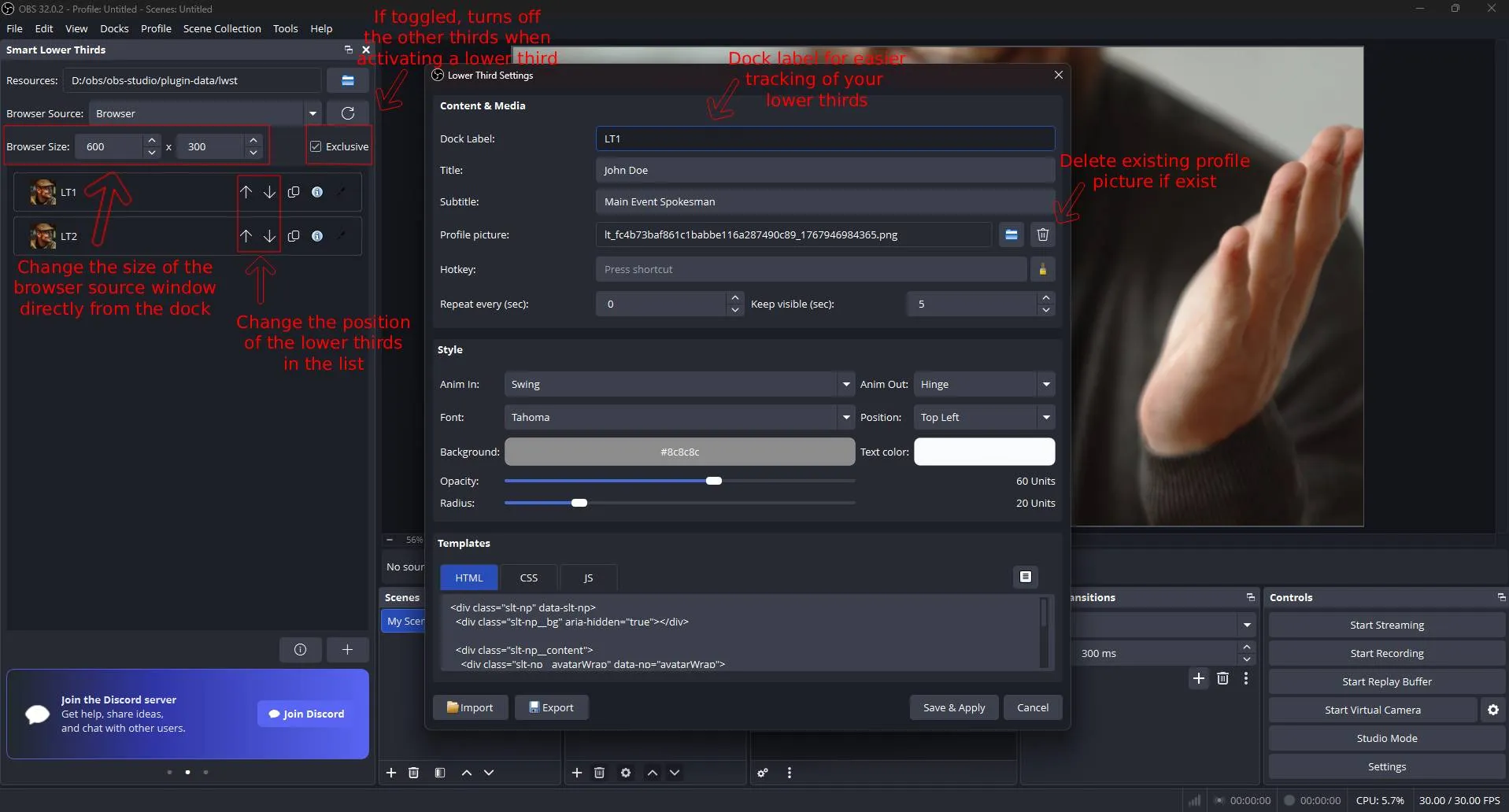
New Features
Media
Loaded on demand
Smart Lower Thirds is a high-performance OBS Studio plugin engineered for creators who want professional, animated on-screen graphics without the technical overhead. Whether you are a Twitch streamer, YouTube creator, or live event broadcaster, you can now trigger beautiful, broadcast-standard identity graphics directly from your OBS dock.
The Best Animated Lower Thirds for OBS Studio
Stop struggling with complex overlay servers or clunky static images. Smart Lower Thirds provides a seamless, integrated workflow that lives entirely inside your production software, making it the most reliable OBS overlay tool for professional broadcasts.
- Instant Control: Trigger guest names, social handles, and sponsor alerts from a dedicated OBS Dock or via Custom Hotkeys.
- Professional Animations: Smooth, flicker-free transitions powered by
Animate.cssfor a high-budget TV look. - Automated Rotation: Use Timed Automation to cycle through social media reminders or calls-to-action automatically.
- Rock-Solid Reliability: A modern
local-fileworkflow means no background servers, no ports, and no "localhost" lag.
Powerful Features for Professional Content Creators
Seamless OBS Integration & Stream Deck Support
Control everything within your workspace. The Smart Lower Thirds Dock allows you to show, hide, or toggle graphics on the fly. It is 100% Stream Deck friendly, allowing for one-touch operation during intense live segments.
Complete Brand Customization
Match your brand’s aesthetic perfectly. Adjust BG_COLOR, TEXT_COLOR, FONT_FAMILY, and RADIUS through a simple interface. For advanced users, the plugin supports custom HTML/CSS templates for total design freedom.
Unlimited Guest & Topic Profiles
Create as many entries as your show needs. Whether you have one guest or a dozen, you can manage unlimited names, roles, and titles. With Import/Export functionality, you can take your professional setup to any machine instantly.
Exclusive Dock Mode for Clean Transitions
Ensure a polished broadcast by enabling Exclusive Mode. This feature automatically hides the active lower third when a new one is triggered, preventing messy overlapping graphics.
The Essential Tool for Live Production
Smart Lower Thirds is the preferred choice for podcasters, esports productions, educators, and studio teams who need fast, reliable identity graphics like:
Name & Role Labels • Social Media Handles • Sponsor Highlights • Segment Titles • Call-to-Action Reminders
Get Started with Smart Lower Thirds
Elevate your production value in minutes. Simply download the plugin, choose your output folder, and start creating professional animated overlays that engage your audience and build your brand.
Looking for technical details? For advanced configuration, CSS placeholders, and developer setup, please visit the official GitHub Documentation.
Frequently Asked Questions
Why are my settings or names not saving?
This is usually due to Windows Folder Permissions. If your overlay folder is located inside C:\Program Files\obs-studio, Windows may prevent the plugin from writing to the plugin.json file.
The Fix: Move your Smart Lower Thirds folder to a user-accessible directory like Documents or your User folder. Re-link the source in OBS, and your data will save correctly.
Does Smart Lower Thirds work with Elgato Stream Deck?
Yes! Since the plugin supports OBS Hotkeys, you can map any lower third trigger to a Stream Deck button for seamless, one-touch control during live broadcasts.
Will this plugin cause lag or high CPU usage?
No. Unlike browser-based overlays that rely on external servers, Smart Lower Thirds uses a local-file workflow. This ensures zero "localhost" lag and extremely low impact on your system resources.
Can I use custom fonts and brand colors?
Absolutely. You can customize the font family, background colors, and accent colors directly in the OBS Dock interface. Advanced users can also modify the underlying CSS for unlimited design potential.
How many lower thirds can I create?
There is no limit. You can create unlimited profiles for guests, segment titles, and social media calls-to-action, making it ideal for large-scale esports or talk show productions.
Community Videos
Creators talking about Smart Lower Thirds Professional Animated Graphics.
Please log in to submit.
Preparing your download
Help keep this projects free
Your support funds hosting, updates, and new features for obscountdown.com tools.


15
seconds
Preparing Smart Lower Thirds Professional Animated Graphics download URL…
If nothing happens, use the manual button below.
Your browser may block automatic redirects in some cases.