





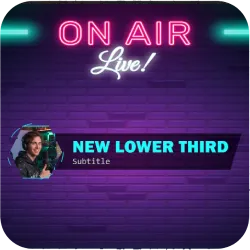
Neon Tech Lower Third Template
A premium neon-grade lower third designed for tech podcasters and livestreamers. Features glowing secondary color accents rotating around a hexagonal avatar with a cinematic retraction exit. Optimized for Twitch, YouTube, and Kick via OBSCountdown.
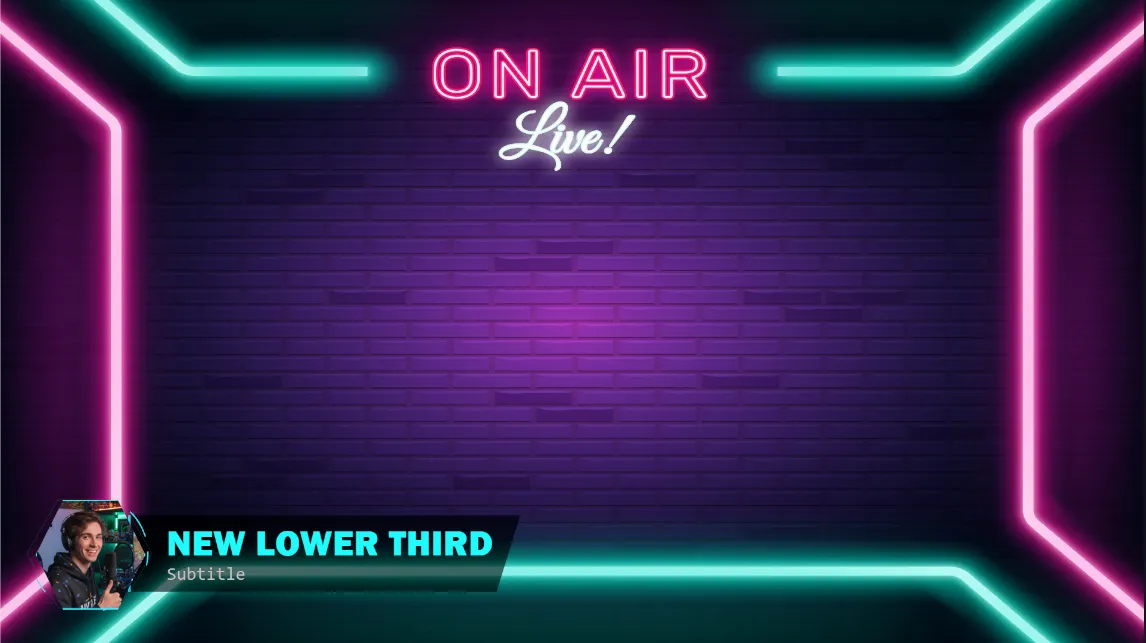
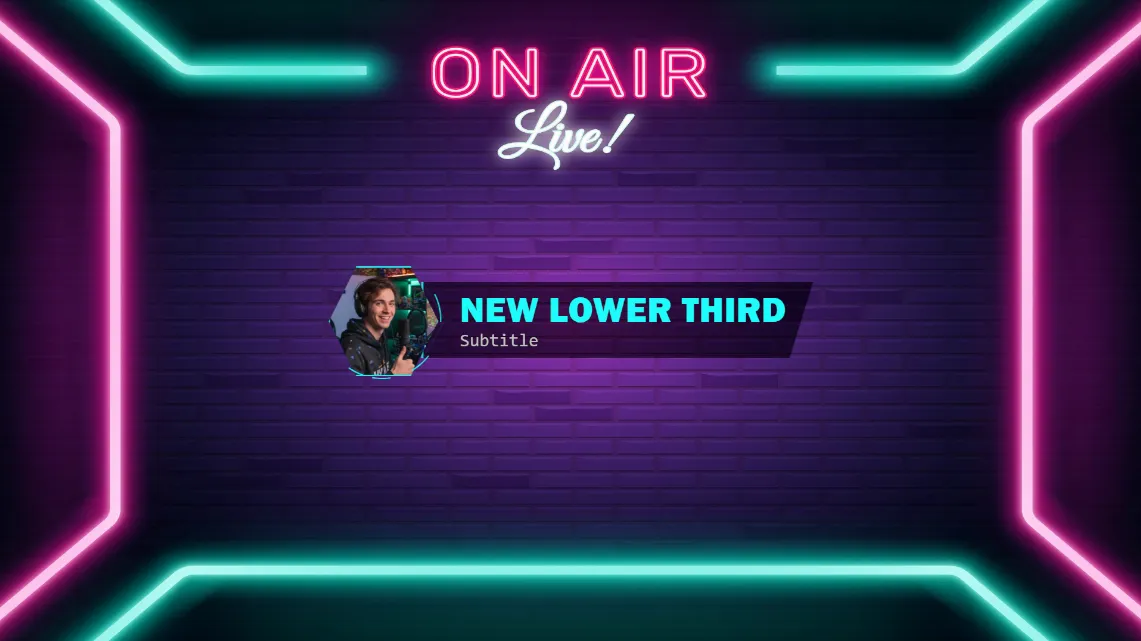
Futuristic Neon Tech Animated Lower Third for Professional Broadcasters
In the competitive world of digital broadcasting, visual identity is everything. The Neon Tech Lower Third is a high-performance, aesthetically driven overlay designed specifically for tech podcasters, software developers, and neon-grade livestreamers. By combining sharp geometric precision with fluid, cinematic motion, this asset transforms a standard stream into a high-budget production. Whether you are broadcasting on Twitch, YouTube, or Kick, this lower third ensures your branding is as innovative as your content.
A Dynamic Tech Aesthetic
Unlike traditional static overlays, this template focuses on movement that mimics modern high-tech interfaces. The core of the design is the Hexagonal Avatar Frame. While most overlays stick to standard circles or squares, the hexagonal cut-out provides a "mechanical" feel that fits perfectly with tech-heavy layouts.
Surrounding this frame is a specialized Canvas-driven Data Pulse. These are not just simple lines; they are programmatically generated neon accents that orbit your profile picture. These pulses simulate a CPU clock cycle or a continuous data stream, providing a sense of "life" to your overlay even when you aren't speaking. The secondary color you choose will drive these pulses, allowing for a glowing contrast against the primary plate.
Cinematic Animations and User Experience
The way an overlay enters and exits the screen tells a story about your production quality. This template utilizes Cinematic Sequencing for its transitions.
- The Entrance: The avatar snaps into view with an elastic bounce, followed by the info plate sliding out from behind it. This layered approach creates a sense of depth and three-dimensionality.
- The Retraction Exit: When it’s time to clear the screen, the lower third doesn't just fade away. The text disappears first, followed by the info plate retracting back into the left side of the avatar. Finally, the avatar undergoes a "power-down" pulse growing slightly before shrinking to zero mimicking a monitor or hardware device shutting off.
Full Customization and Branding Control
Flexibility is at the heart of the Smart Lower Thirds system. We understand that every streamer has a unique brand, which is why every element of this neon asset is fully adjustable.
You have complete control over the Primary and Secondary color palettes. We recommend using the Primary color for the main plate background with a moderate opacity setting to achieve a "Glassmorphism" effect. This allows the background of your game or your camera feed to be subtly visible through the plate, maintaining a modern OS look. The Secondary color should be reserved for the neon accents, such as the hexagonal border and the rotating data pulses, to ensure they "pop" against the darker background.
Optimized for OBS Studio and Streamlabs
Performance is a common concern for livestreamers. Overlays that use too much CPU can cause dropped frames during intense gaming or high-bitrate encoding. This Neon Tech Lower Third is built using optimized CSS3 and lightweight JavaScript Canvas logic. It delivers smooth, 60FPS animations without taxing your hardware, making it suitable for single-PC streaming setups and dedicated broadcast rigs alike. It integrates seamlessly into OBS Studio and Streamlabs via browser sources.
Step-by-Step Installation Guide
Getting your new tech overlay live is a simple process that requires no coding knowledge. The template is fully compatible with the OBSCountdown platform.
- Download: Grab the ZIP archive containing the template files and neon assets.
- Access the Editor: Log into your dashboard at OBSCountdown.com.
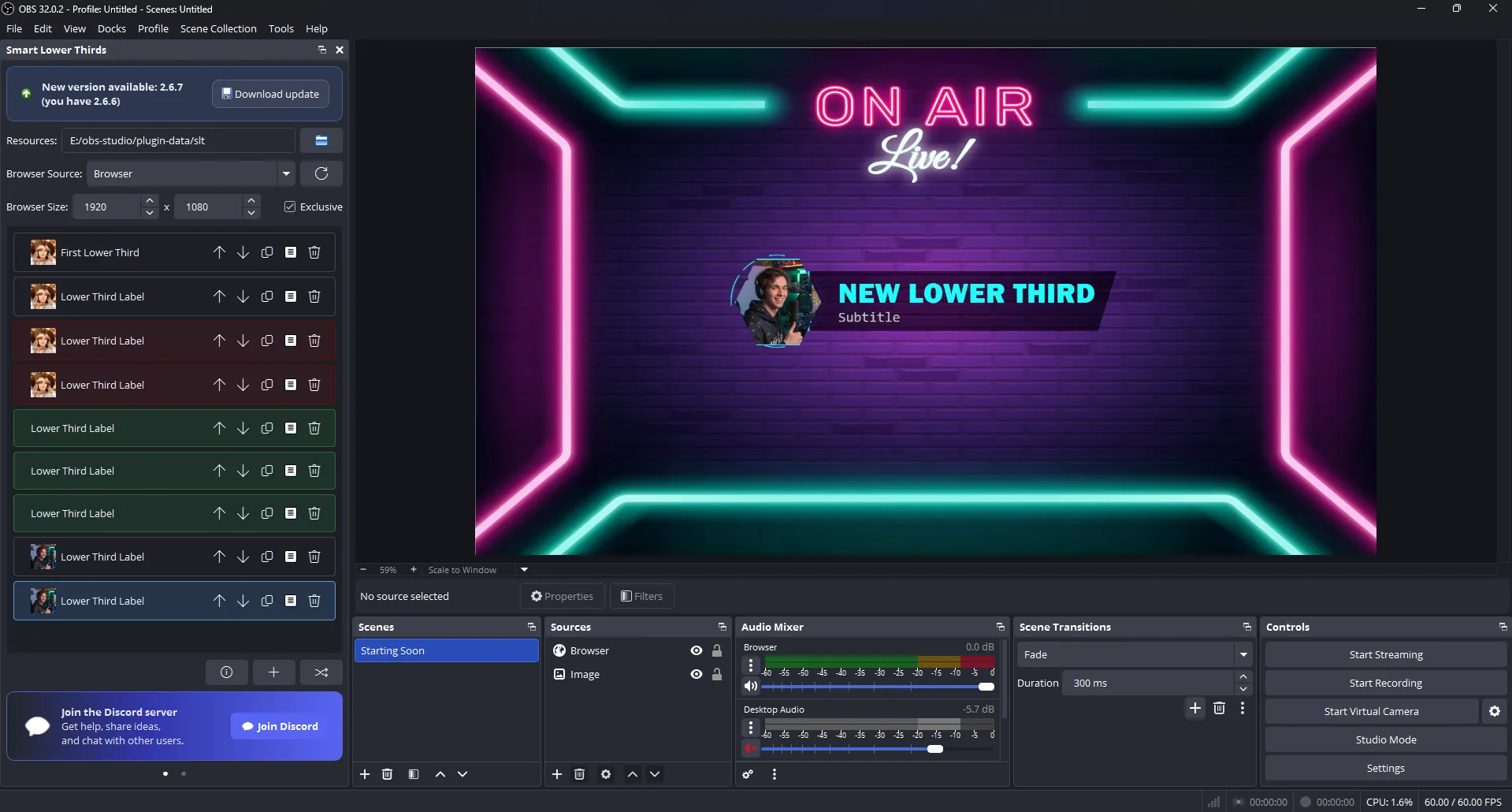
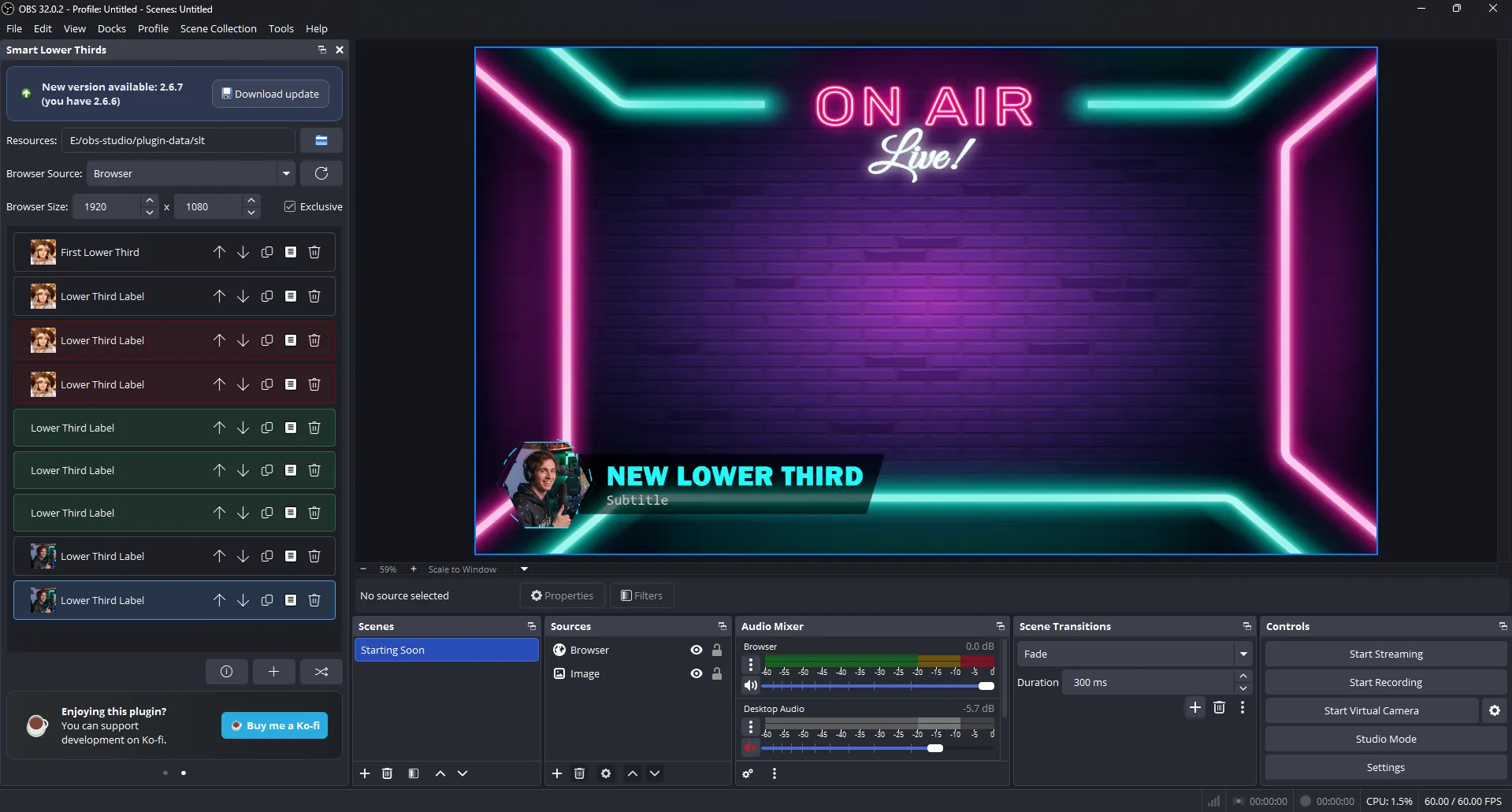
- Create and Import: Click on "Create New Lower Third." Once the project is open, navigate to the Settings Dialog. Look for the Import button and select your ZIP archive.
- Live Preview: Instantly see your neon accents in action. Use the editor to swap your Title (e.g., your name) and Subtitle (e.g., your social media handle or current topic).
- Deploy: Copy your unique browser source URL and paste it into OBS or Streamlabs. Set the width and height to match your canvas, and you are ready to go live.
Dedicated to Modern Content Creators
This lower third is more than just a nameplate; it is a tool for engagement. By using professional typography and neon-grade visuals, you signal to your viewers that you care about the quality of your broadcast. It is ideal for Tech News Podcasts, Hardware Reviews, Software Tutorials, and Competitive Gaming. Stand out in the "Just Chatting" or "Science & Technology" categories with an interface that looks like it belongs in the future.
Your support funds hosting, updates, and new features for obscountdown.com tools.

