






Cube World Accents Lower Third Template
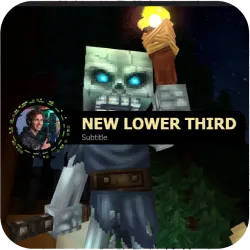
Hytale-inspired lower third with a rounded avatar, rotating green accents, and smooth slide-in/out animation. Fully customizable template for Smart Lower Thirds perfect for Hytale, Minecraft, and adventure RPG/MMORPG streams on OBS, Streamlabs, Twitch, Yo
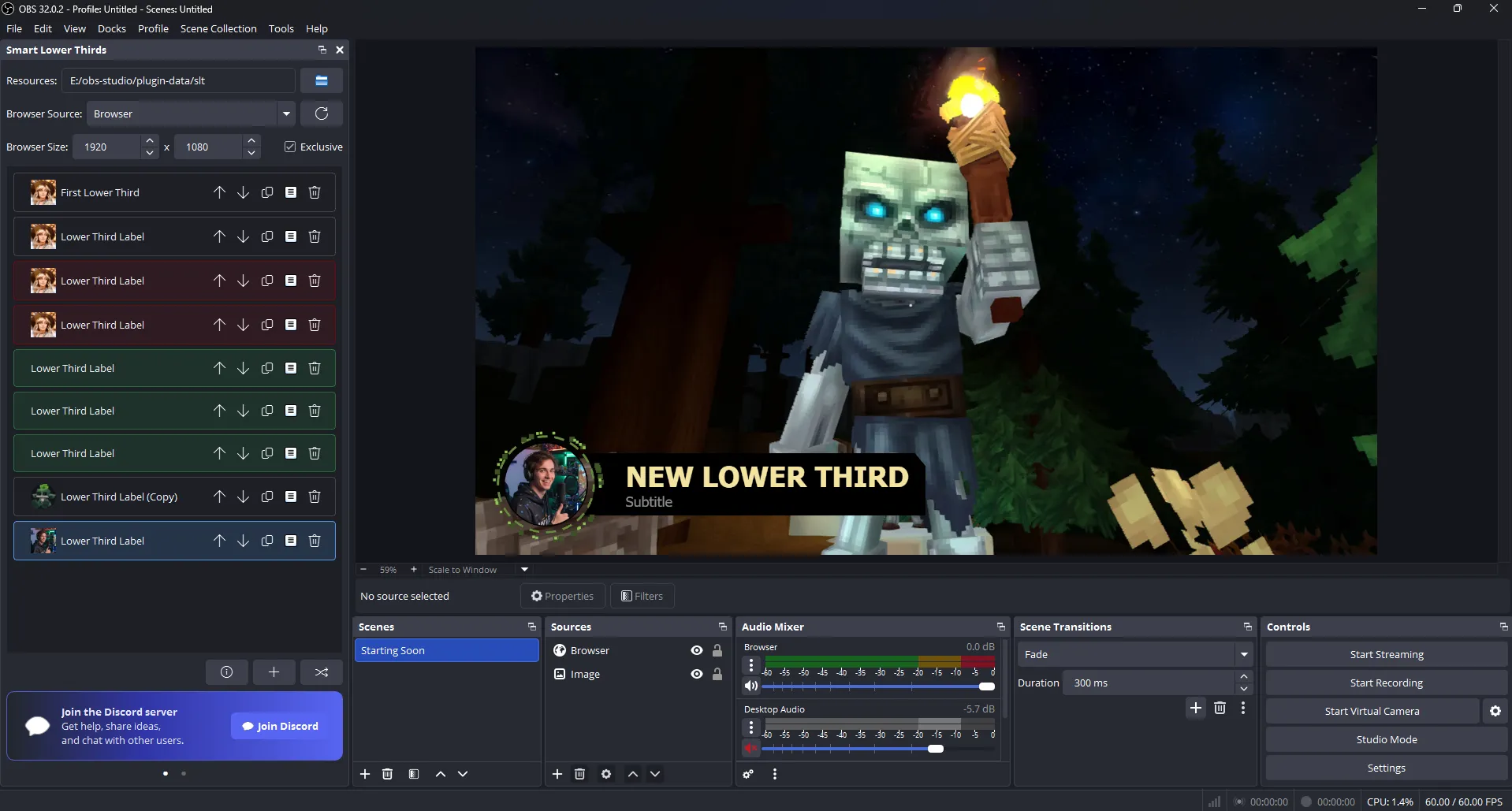
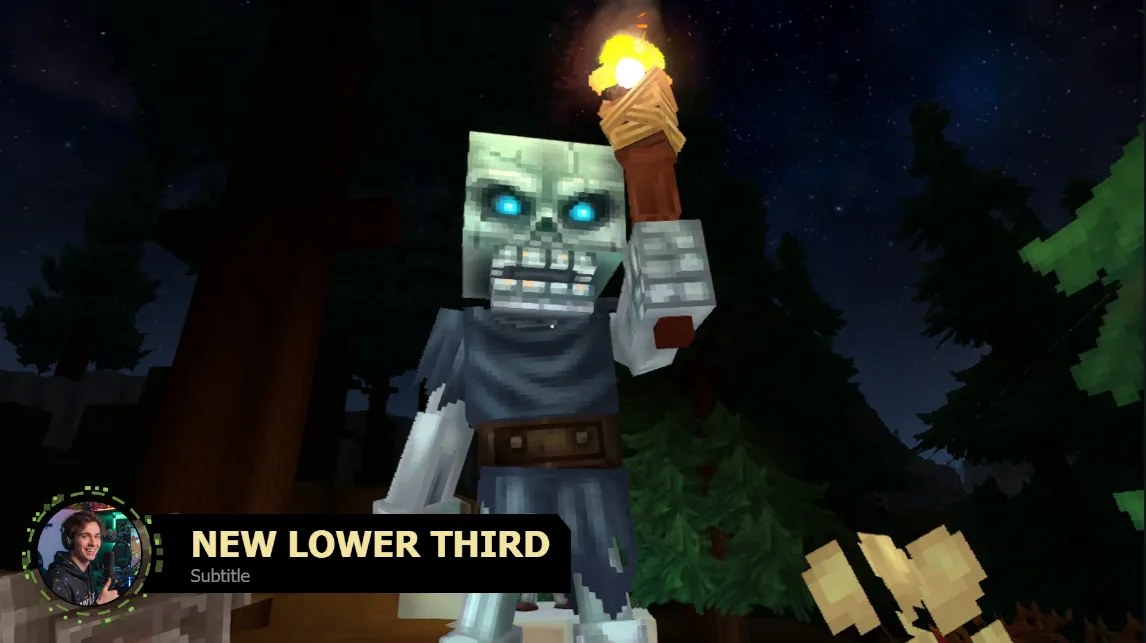
Hytale-Inspired Lower Third for OBS and Streamlabs (Smart Lower Thirds Template)
Bring a clean, fantasy-adventure vibe to your stream with this Hytale-inspired lower third built for Smart Lower Thirds. It features a rounded avatar that sits perfectly beside your nameplate, with green rotating accents for a polished, game-themed look ideal for creators streaming Hytale, Minecraft, and other adventure RPG / MMORPG titles.
Designed for game streamers who want a modern, readable on-screen identity without sacrificing style or performance.
Key Features
- Hytale-inspired design language with a clean fantasy/adventure feel.
- Rounded avatar module with a crisp circular frame and premium presentation.
- Rotating green accents around the avatar for extra motion and personality.
- Smooth slide-in / slide-out animations tuned for a professional broadcast look.
- Fully customizable colors, fonts, sizes, spacing, and layout to match your overlay.
- Optimized for readability on Twitch, YouTube Live, and Kick at typical streaming resolutions.
- Works perfectly in Smart Lower Thirds on OBS Studio and Streamlabs.
Best For
- Hytale creators and community servers
- Minecraft survival, SMP, hardcore, modded, and adventure map streams
- Fantasy, sandbox, and exploration-heavy RPG/MMORPG streams
- Streamers who want a distinct avatar-first nameplate with tasteful motion
Installation (Smart Lower Thirds)
- Open Smart Lower Thirds inside OBS Studio (or Streamlabs).
- Create a new lower third.
- Click Settings to open the template configuration dialog.
- Use the Import option and select the provided ZIP archive containing the template.
- Apply your styling (fonts/colors/sizes) to match your streaming overlay, then save and go live.
Customization Tips for Stream Branding
- Match the green accent to your overlay highlights for a cohesive theme.
- Increase title weight/size for fast readability on mobile viewers.
- Adjust avatar size and padding to fit your “Just Chatting” vs gameplay scenes.
- Keep subtitle text slightly dimmer than the title to maintain visual hierarchy.
If you already use Smart Lower Thirds, this template drops into your workflow in minutes giving your stream a premium Hytale/Minecraft-inspired identity with smooth motion, clear typography, and a modern avatar-driven layout.
Compatible with OBS Studio and Streamlabs for streaming on Twitch, YouTube, and Kick.
Your support funds hosting, updates, and new features for obscountdown.com tools.

