









Countdown to Valentine’s Day Animated Overlay
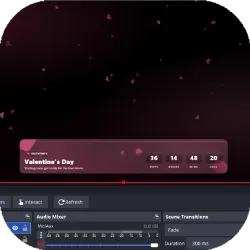
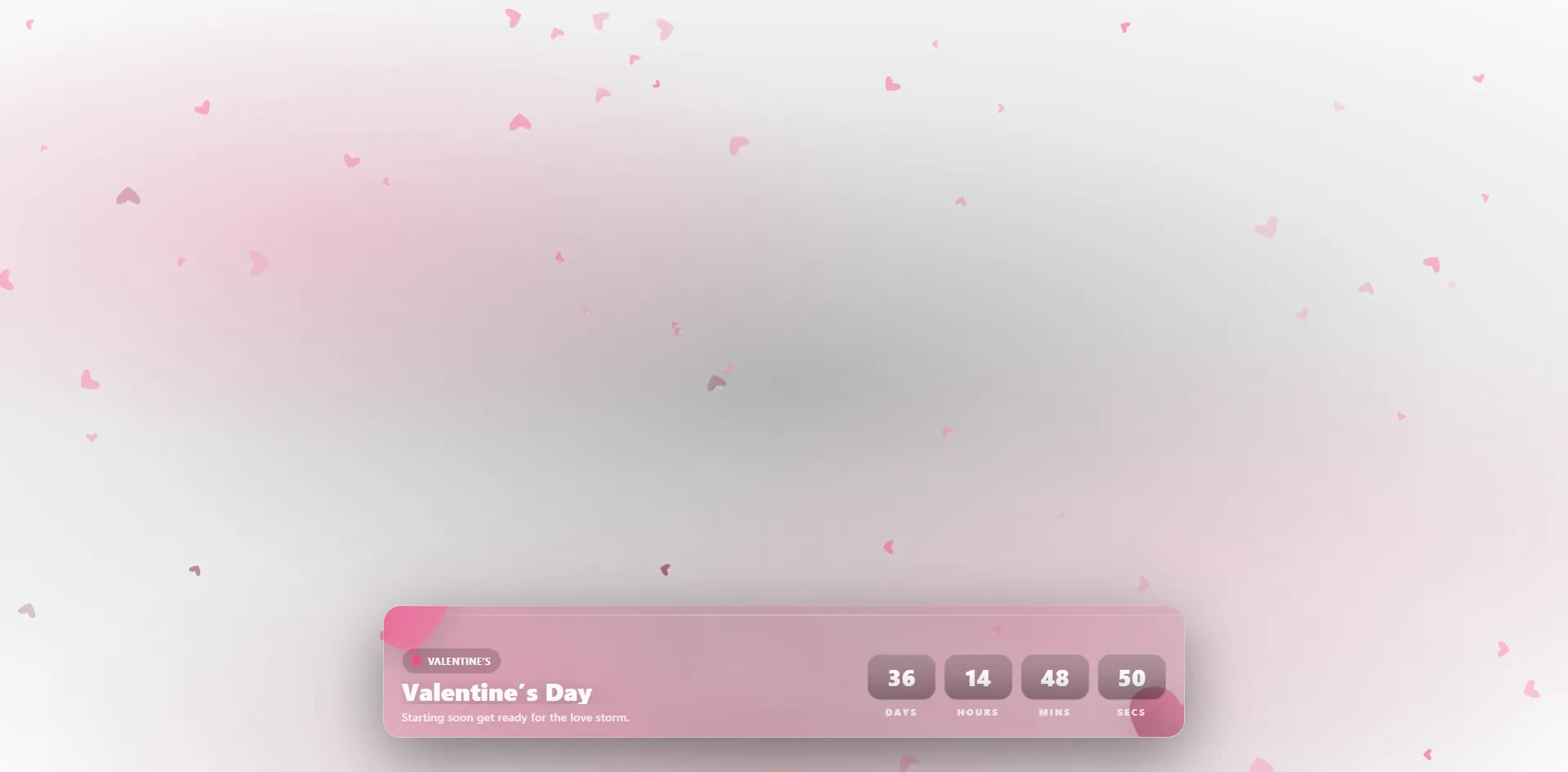
Enhance your stream with this animated Valentine’s Day countdown timer. Perfect for OBS and Streamlabs, it features real-time tracking of how many days until Valentine’s Day with a beautiful heart-themed design.
Screenshots
Preview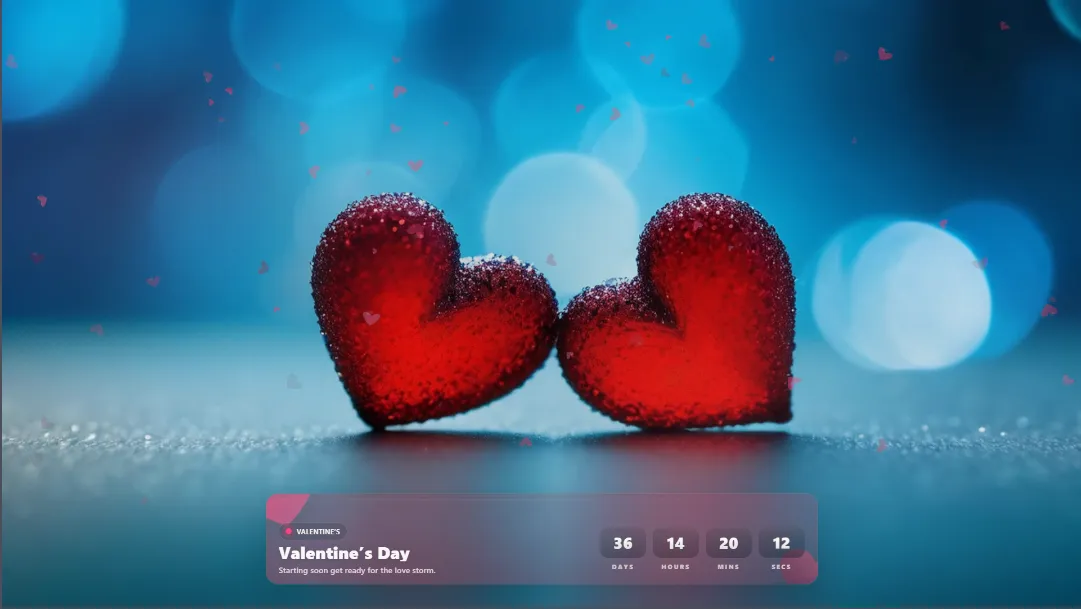
How to Use the Valentine’s Day Countdown Timer for Your Stream
Integrating a high-quality Valentine’s Day countdown timer into your live broadcast is one of the most effective ways to build anticipation for a special event. Whether you are a variety streamer on Twitch, a creator on YouTube Live, or a professional broadcaster using Facebook Gaming, this animated overlay is built for seamless compatibility with OBS Studio and Streamlabs. Using a dedicated timer helps drive viewer retention by providing a visual "anchor" for your upcoming content.
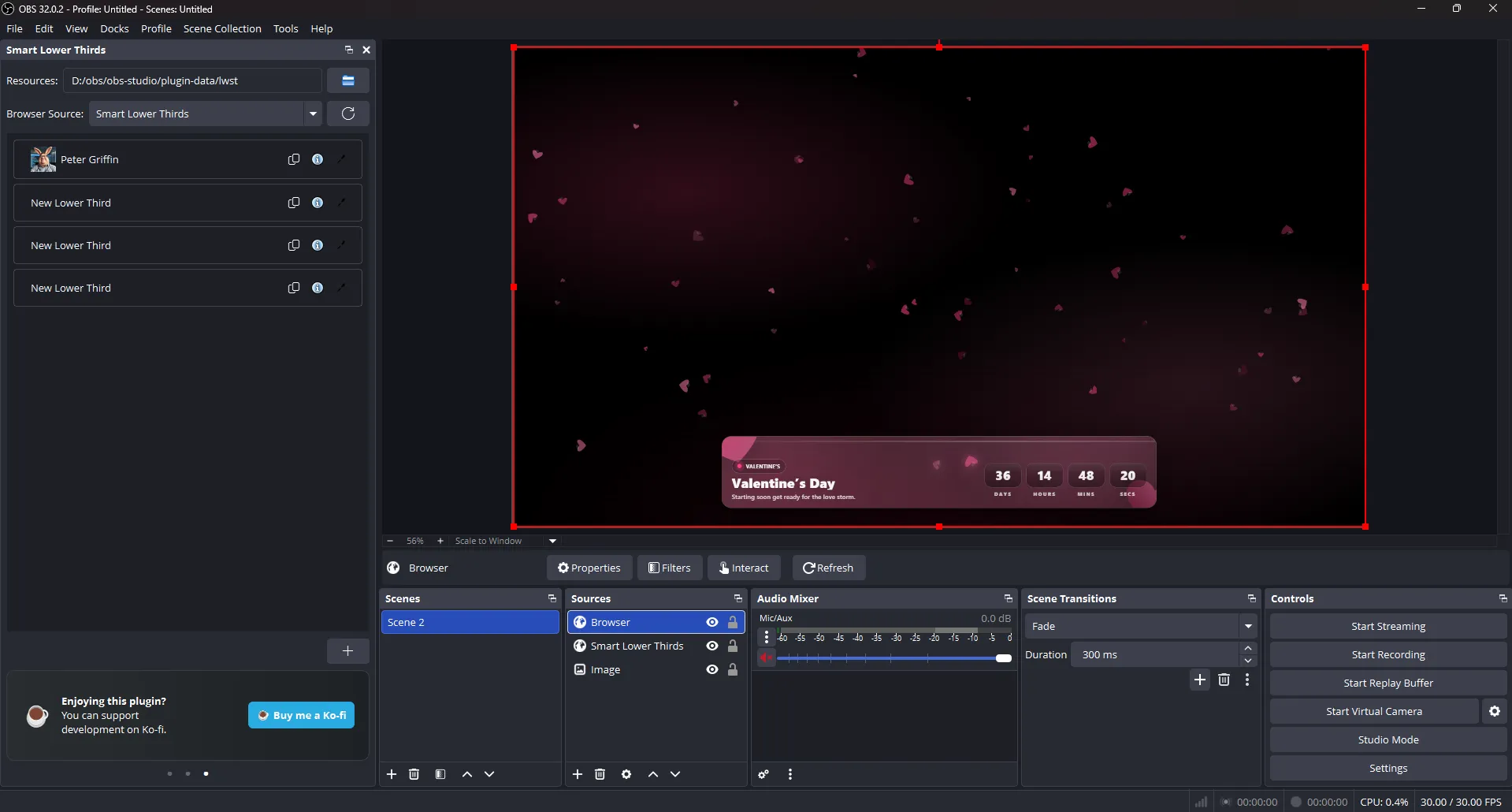
To begin the setup process, you simply need to add a new Browser Source to your chosen streaming software. Within the properties window, ensure that you check the "Local file" checkbox and navigate to the folder containing your project files to select overlay.html. For the best visual results and high-fidelity graphics, we recommend setting your source dimensions to 1920×1080, which allows the high-definition heart particles to drift across the entire screen without being cut off or looking pixelated.
One of the most powerful features of this countdown to Valentine’s Day is the ability to customize the target date through the config.json file. You have two distinct options for setting the clock:
- Option A (Holiday Year Mode): This allows you to target Valentine’s Day for a specific year, such as 2026, while choosing your local timezone like "Europe/Bucharest".
- Option B (Exact Date Mode): This is perfect for specific event starts, allowing you to input an exact ISO timestamp (e.g., "2026-02-14T20:00:00+02:00") for when the time left until Valentine’s Day should hit zero.
Keep in mind that for the overlay to function correctly, you must keep all files including overlay.html, config.json, and locale.json in the same folder directory.
Advanced Configuration and Stream Optimization
For creators who want to know exactly how many days until Valentine’s Day are left while maintaining high stream performance, this overlay includes a robust performance suite within the configuration settings. In the background settings of your config.json, you can adjust the heartCount and maxFPS. If you are running a resource-intensive game on the same PC, lowering the heart count to 40 or 50 and capping the FPS at 30 or 60 ensures your Valentine’s Day countdown timer remains smooth without dropping frames on your main broadcast.
The customization doesn't stop at technical performance; the visual storytelling of your stream is just as important. You can modify the text that appears during the countdown and the celebratory message that triggers once the timer reaches zero. By editing the texts and endTexts objects, you can change the badge from "Valentine’s" to "LIVE" or update the title to a personalized message like "The Date Night Begins!". This level of control makes it the premier choice for anyone looking for an animated stream countdown that feels unique to their personal brand and community culture.
If you are broadcasting to a global audience, the locale.json file is your best friend. It handles all translations for the essential time units Days, Hours, Minutes, and Seconds. While the system can detect your language automatically if set to "auto," you can manually force it to display in English ("en"), Romanian ("ro"), French ("fr"), or any other language you add to the library. This ensures every viewer, regardless of where they are in the world, knows exactly how much time is left until Valentine’s Day. For a full breakdown of every available setting, users should consult the README.md included in the download.
The Romantic Legacy: A History of Valentine’s Day
Understanding the history behind the holiday adds a layer of depth to your themed streams and gives you great talking points for your "Just Chatting" segments. While today we track the countdown to Valentine’s Day with digital precision and high-tech overlays, the origins of the day are shrouded in ancient Roman history and religious mystery. The holiday is named after Saint Valentine, a Roman priest who, according to popular legend, performed secret marriages for soldiers who were forbidden to wed by Emperor Claudius II. His commitment to love and devotion eventually led to his martyrdom, and he became the patron saint of lovers worldwide.
During the Middle Ages, the tradition of "courtly love" flourished across Europe. By the 14th and 15th centuries, the day became firmly associated with the romantic pairing of birds in early spring, a theme famously mentioned by Geoffrey Chaucer. This transitioned into the exchange of "valentines" handwritten notes and poems in 18th-century England. As printing technology improved, these evolved into the elaborate lace and ribbon cards of the Victorian era, which were the precursors to the modern digital assets we use today.
Today, Valentine’s Day has moved into the digital age. Millions of people search for how many days until Valentine’s Day to plan grand gestures, special gifts, and digital events. For streamers, this holiday represents a peak period of viewer engagement and community spirit. By using a Valentine’s Day countdown timer, you are participating in a tradition of celebration that has lasted for centuries, bringing a sense of romance, appreciation, and community to your modern digital audience. Whether you are counting down to a 24-hour charity stream or a casual community hangout, this animated overlay ensures your channel looks professional, festive, and inviting until the very last second of the countdown.

