









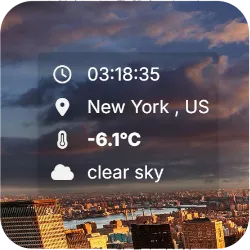
Compact Weather HUD for OBS - Minimal OpenWeather Overlay with Clock
A minimal, HUD-style weather overlay for OBS Studio that displays live temperature, location, weather description, and local time using OpenWeather API, featuring anchor positioning, icon layout, and full visual customization via config.json.
Screenshots
Preview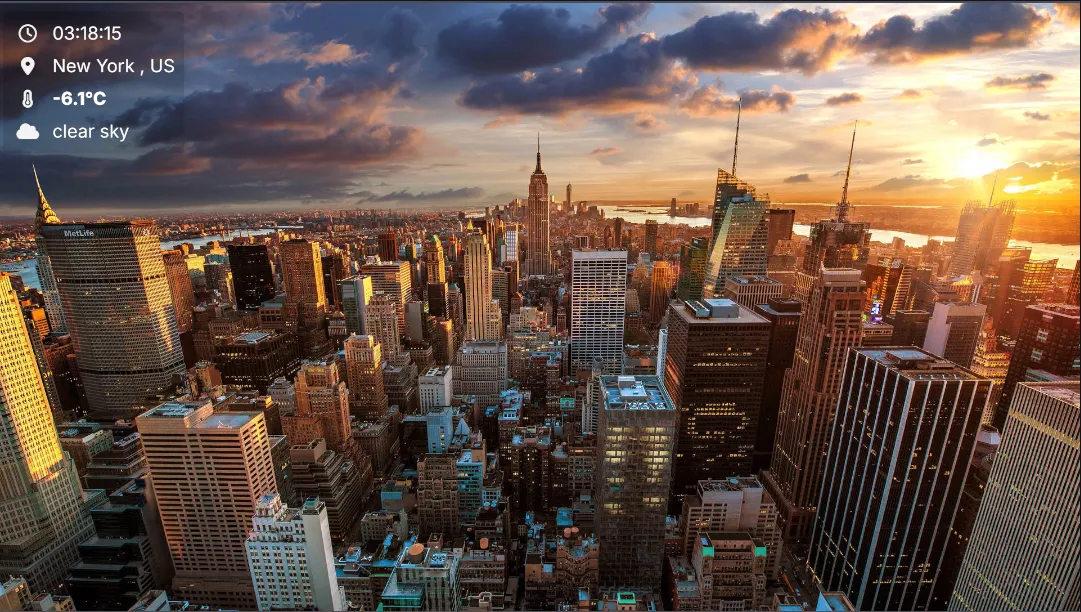
Compact Weather HUD Overlay for OBS Studio
If you are experiencing difficulties configuring this overlay, feel free to contact me at [email protected] or reach out directly on Discord.
This lightweight HUD-style overlay is designed for streamers who want essential weather and time information displayed in a clean, minimal, and broadcast-friendly format. Powered by the OpenWeather API, it delivers real-time temperature, city, localized weather description, and a live digital clock in a compact vertical layout.
The overlay is ideal for IRL streams, travel content, flight simulators, outdoor broadcasts, news-style scenes, or any setup where environmental context enhances immersion without cluttering the screen.
Optimized for HUD Placement
Unlike full card-style weather panels, this version uses a compact heads-up display layout with icon-and-text rows. It can be anchored to any screen corner or centered, with configurable X/Y offsets, making it perfect for overlaying gameplay, camera feeds, or dashboard scenes.
Fully Configurable Behavior
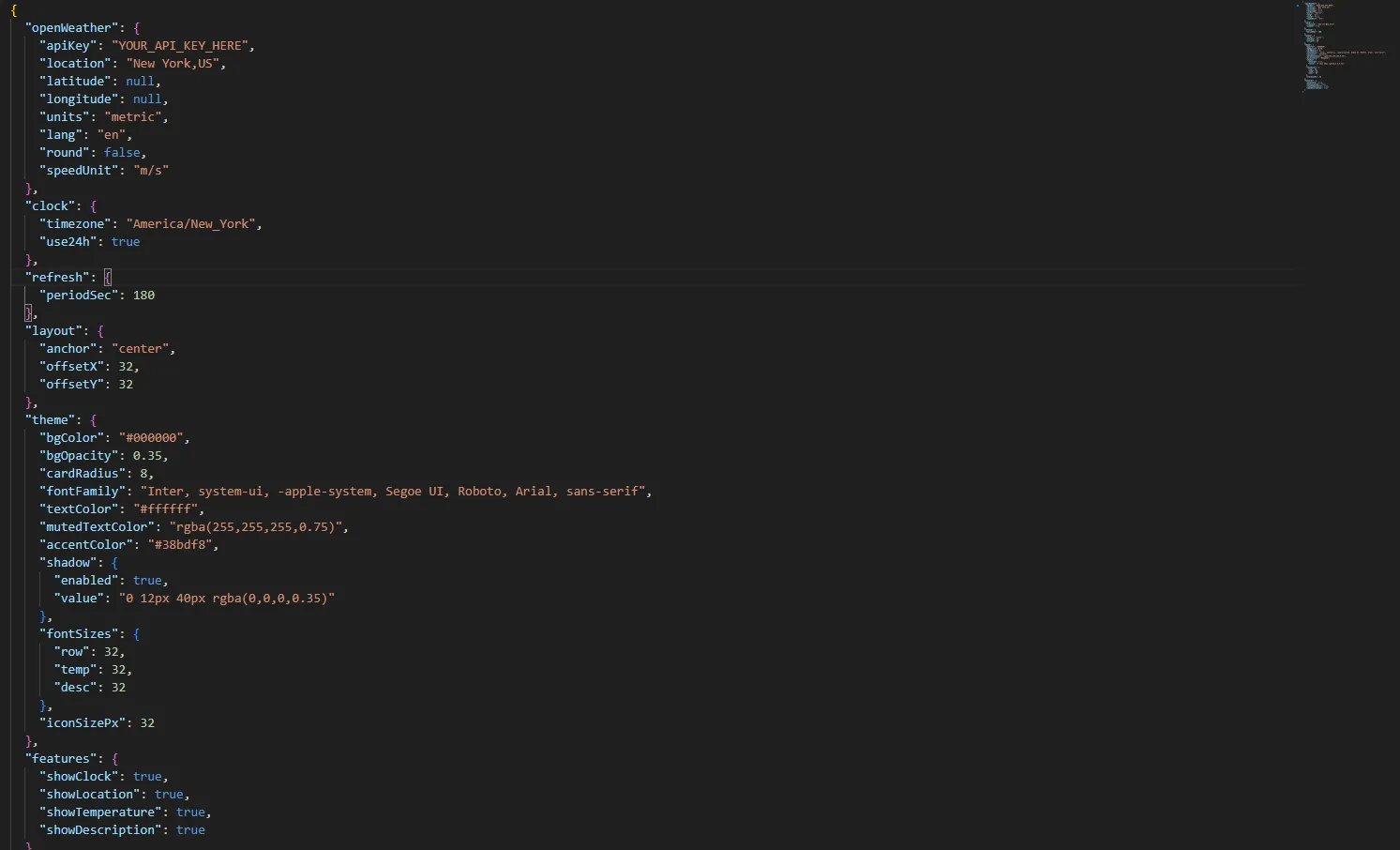
All logic is driven by a simple config.json file. You can define the target city or precise GPS coordinates, choose metric or imperial units, set language for weather descriptions, enable rounding, and control refresh intervals to balance accuracy with API usage.
Integrated Clock & Timezone Support
The built-in clock supports full timezone configuration using IANA identifiers and can display in 12h or 24h format, ensuring accurate local time for travel streams, events, or international broadcasts.
Advanced Theme & Layout Control
The visual system is entirely CSS-variable driven. You can customize background color and opacity, rounded corners, font family, accent color, shadow depth, icon size, and individual font sizes for rows, temperature, and description. The result is seamless visual integration with any overlay pack or branding style.
Feature Toggles for Clean Layouts
Each HUD row can be independently enabled or disabled, allowing you to show only the clock, only temperature, or any combination of location, weather, and description depending on your scene design.
This Compact Weather HUD is the perfect solution for streamers who want real-time environmental data in a professional, non-intrusive, and fully customizable overlay that fits naturally into modern broadcast layouts.

