






Animated Camera Frame Overlay with Animated Lower Thirds for OBS Studio & Streamlabs
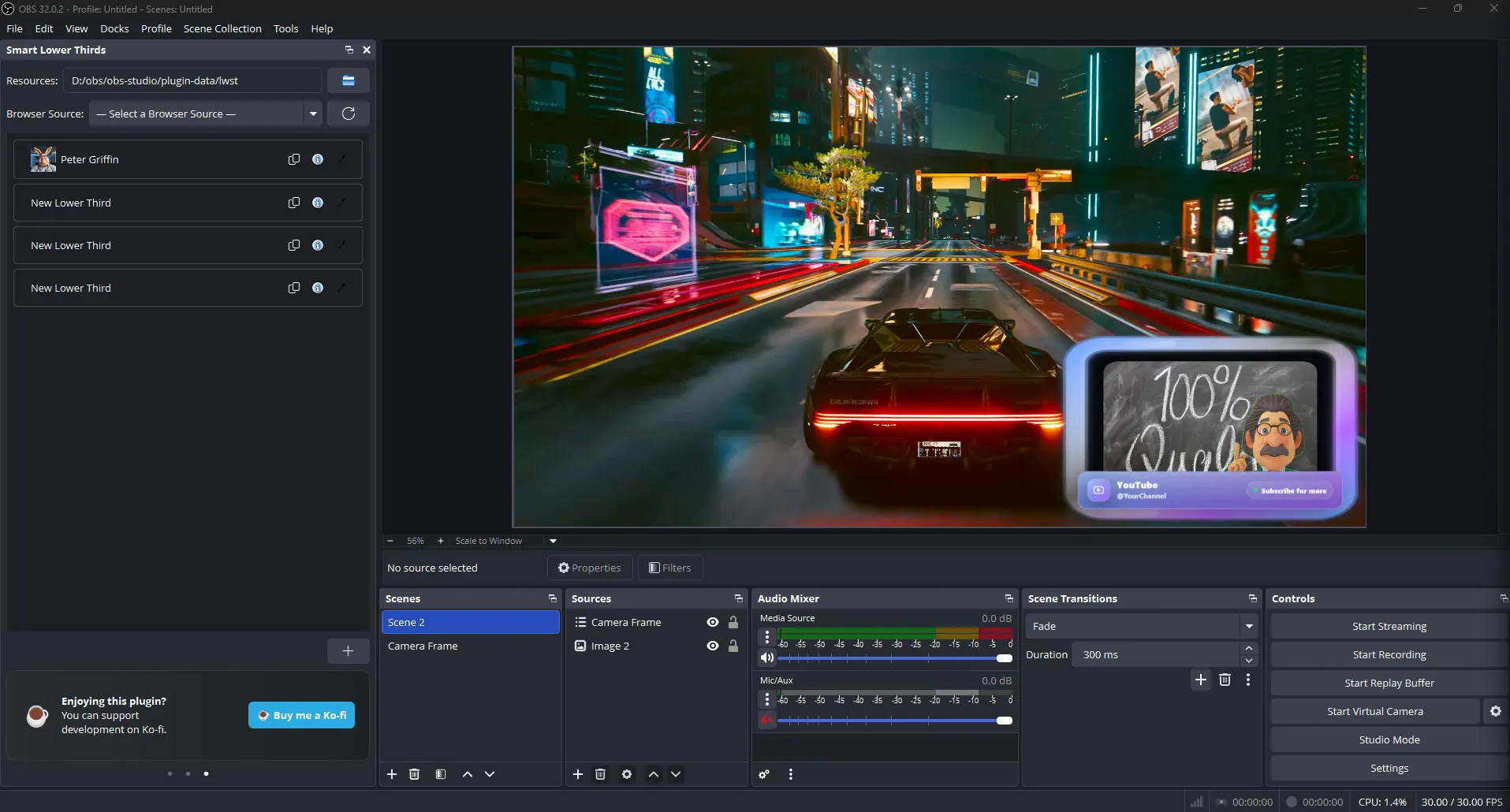
A customizable camera frame for streaming using OBS Studio or Streamlabs. Easily adapt colors, sizing, and lower thirds to match any streaming overlay using a simple config.json or an OBS Lua configurator.
Screenshots
Preview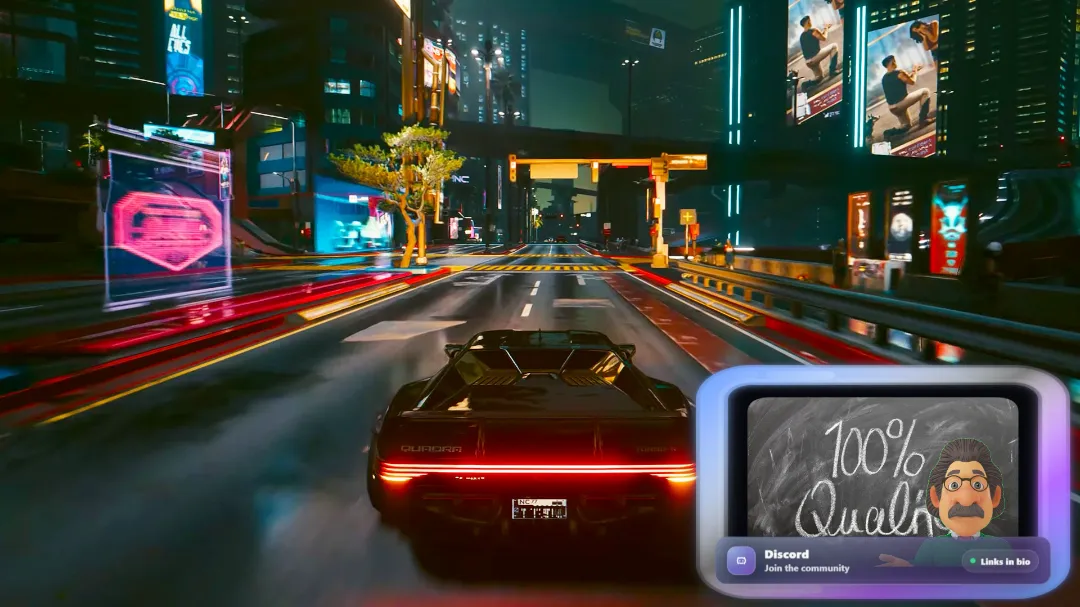
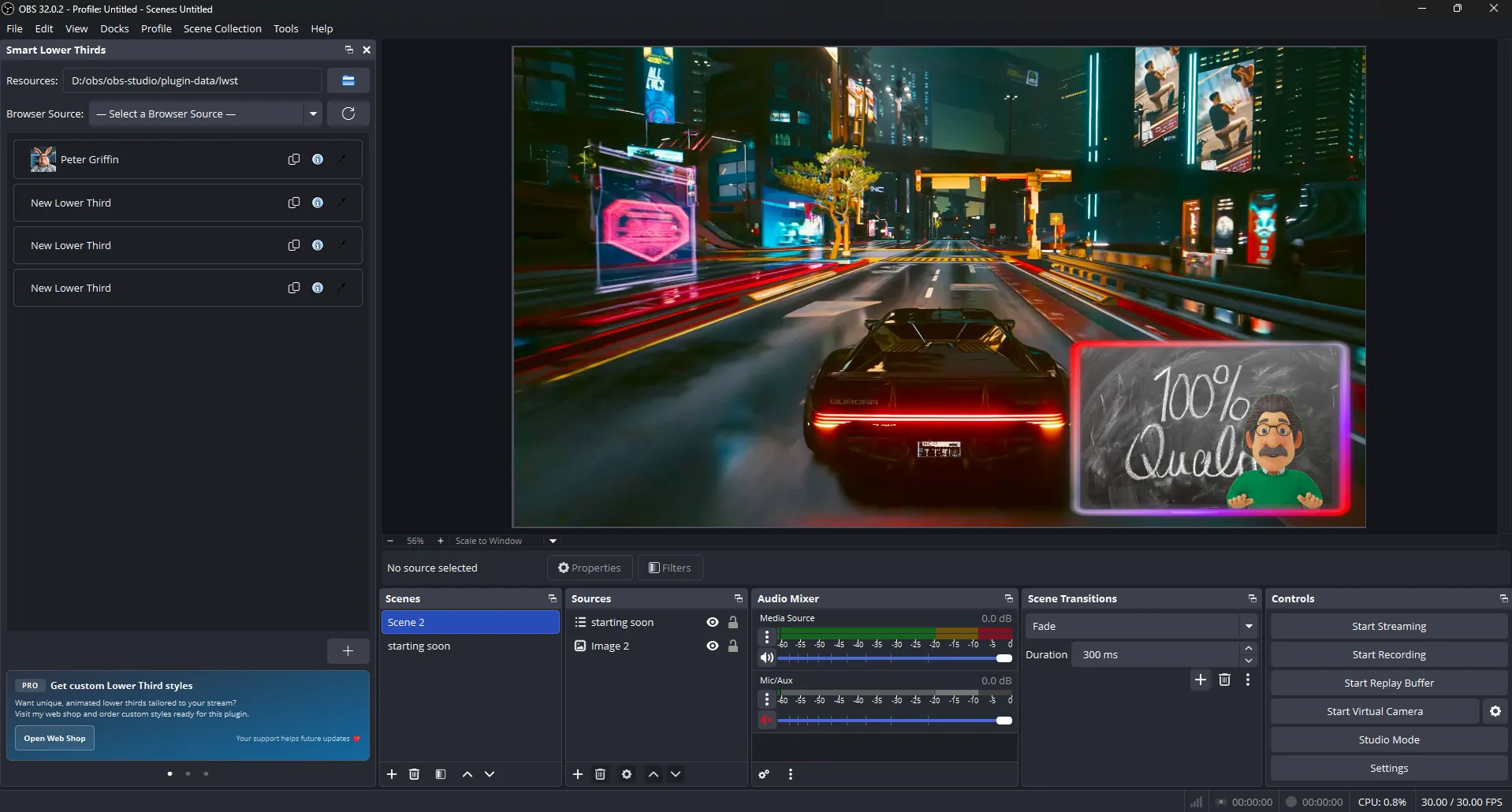
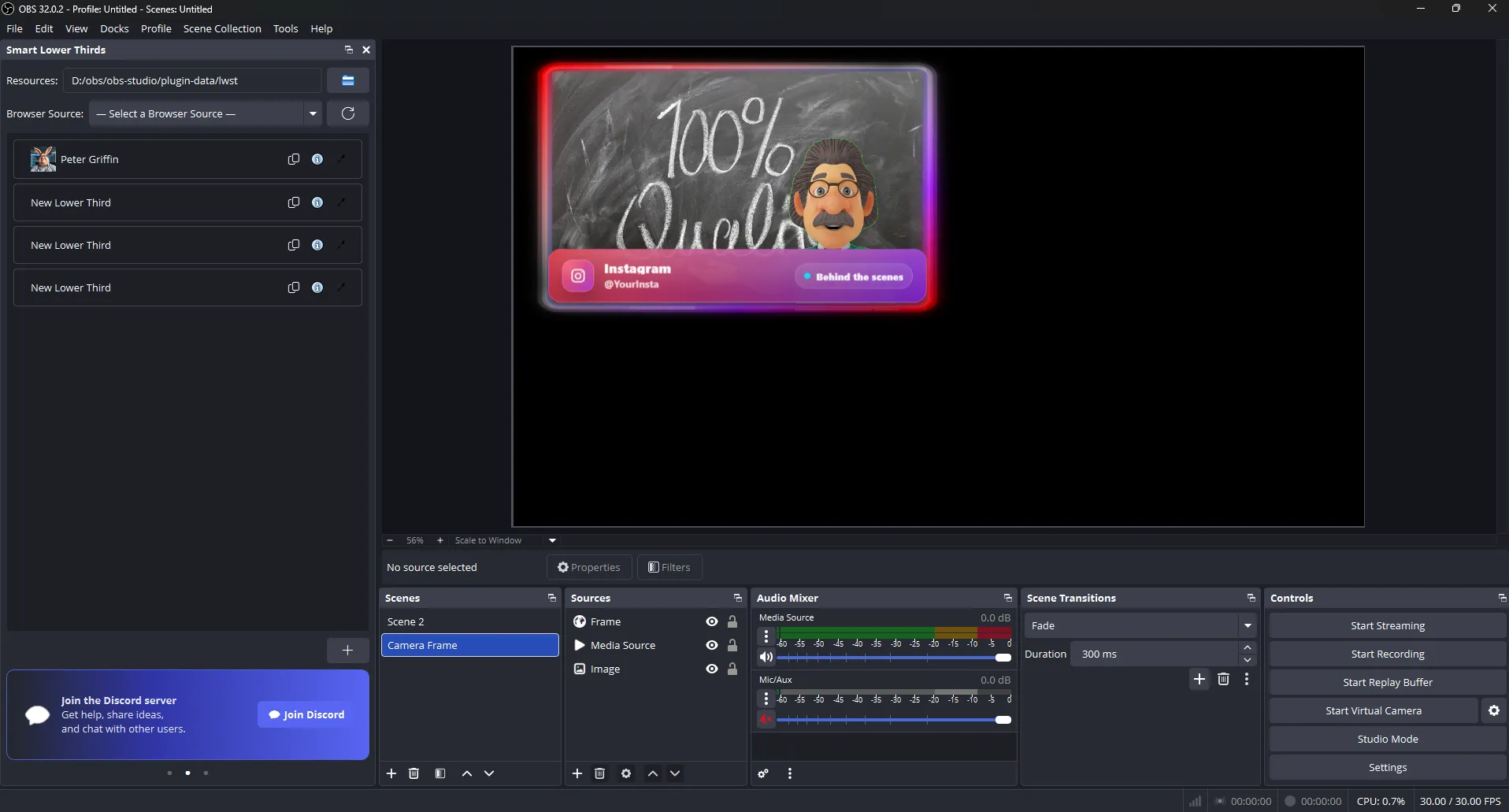
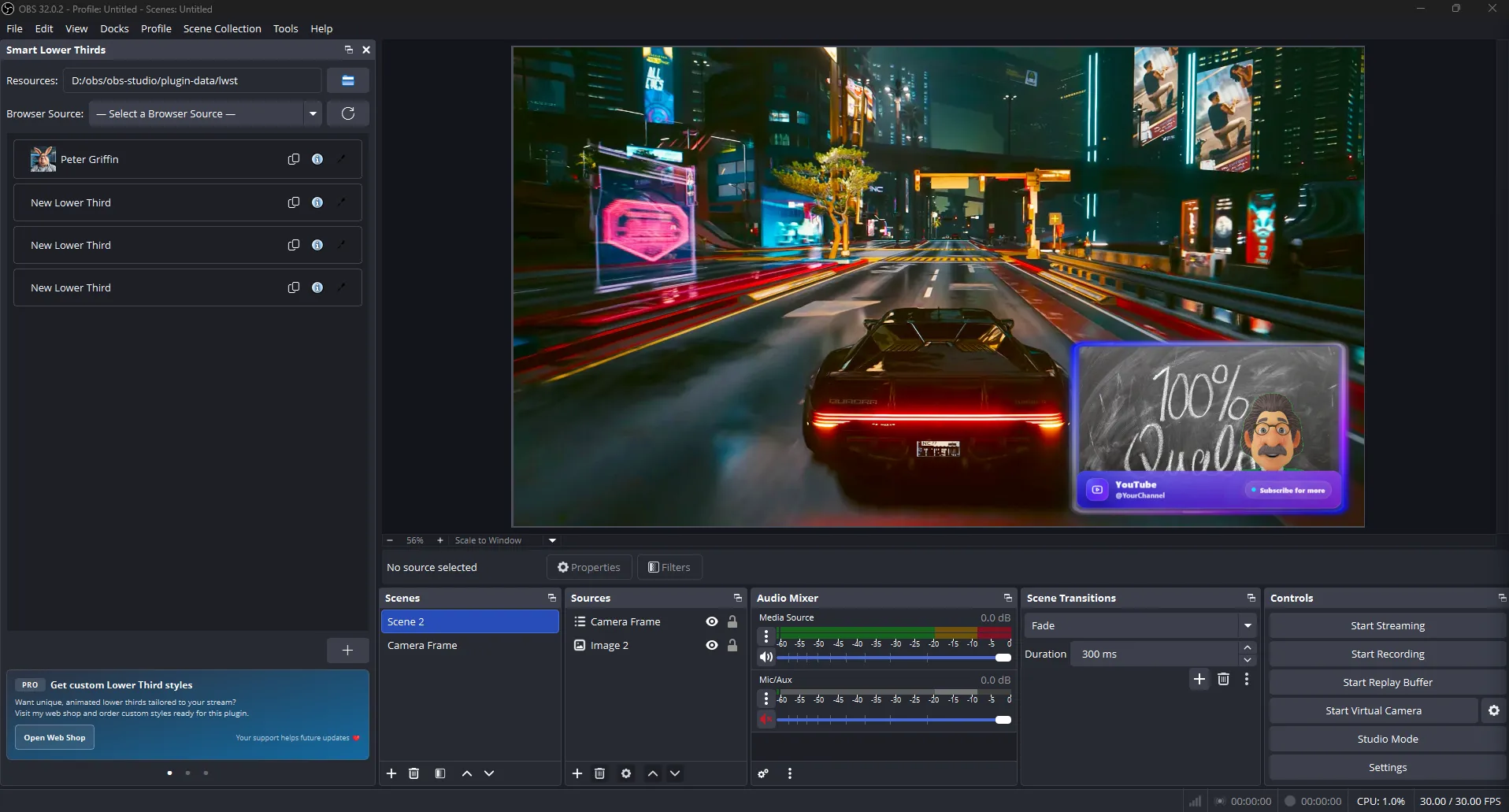
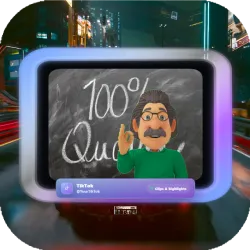
Camera Frame Overlay for OBS Studio and Streamlabs
A modern camera frame for streaming designed for use with OBS Studio and Streamlabs. This overlay gives your camera a clean, professional look while remaining fully adaptable to any streaming style or branding.
Designed to Match Any Streaming Overlay
The camera frame and lower thirds are driven by simple color variables and layout settings, making it easy to adapt the design to match your existing stream overlay. Whether you prefer a minimal look or a bold, colorful theme, this camera frame can be adjusted in minutes without touching complex code.
Animated Lower Thirds Included
In addition to the camera frame, this overlay includes an animated lower-thirds carousel for social links, calls to action, or stream information. Animations are smooth and subtle, designed to enhance your stream without distracting your audience.
Simple Browser Source Workflow
The overlay runs as a Browser Source using a local HTML file.
OBS or Streamlabs loads the HTML, which automatically reads a
config.json file and applies your settings in real time.
No external services, APIs, or plugins are required.
Two Easy Setup Options
Option A: Create a Browser Source manually and point it to the
local camera-frame.html file.
This is ideal for users who prefer editing the config.json directly.
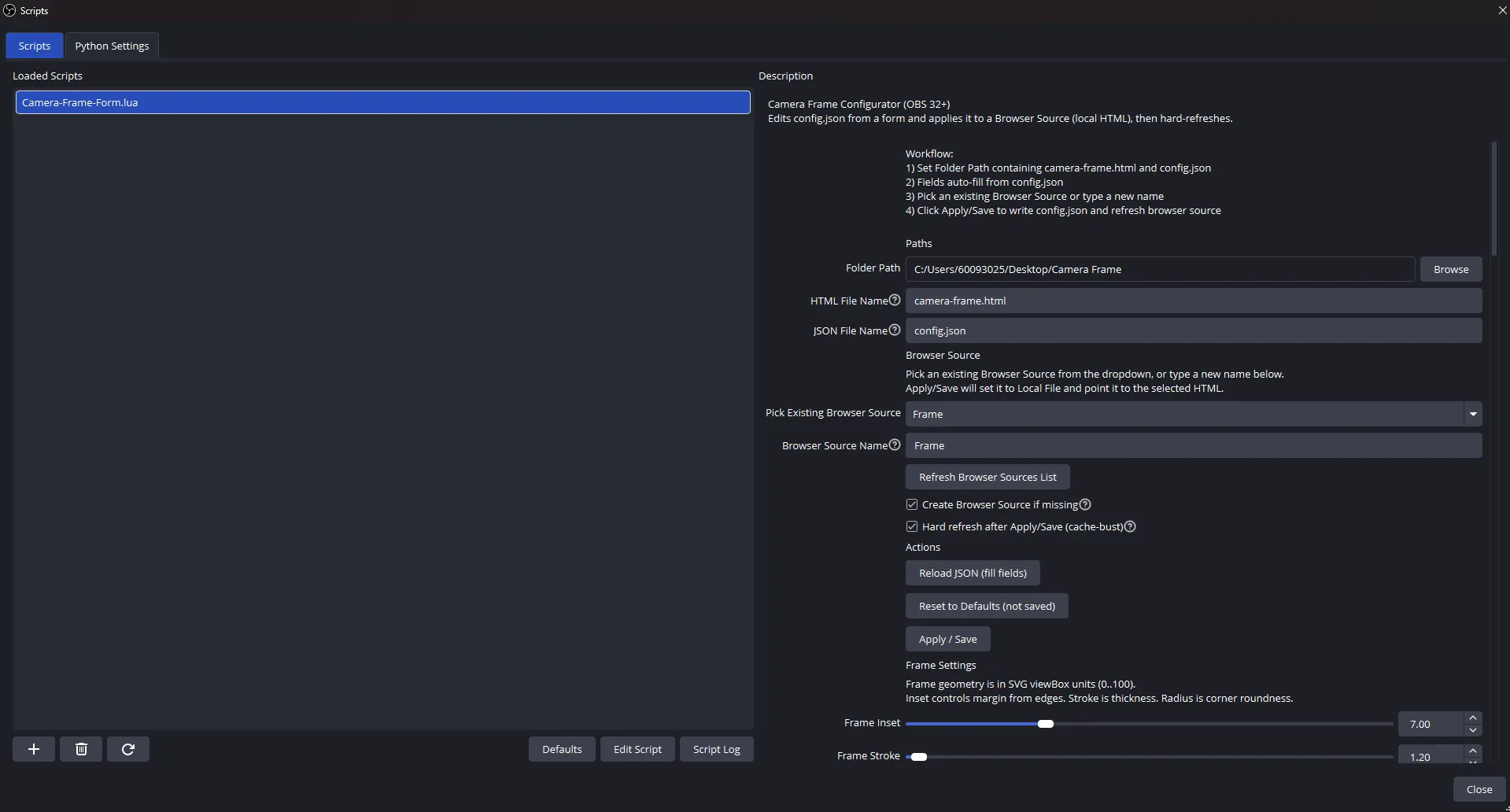
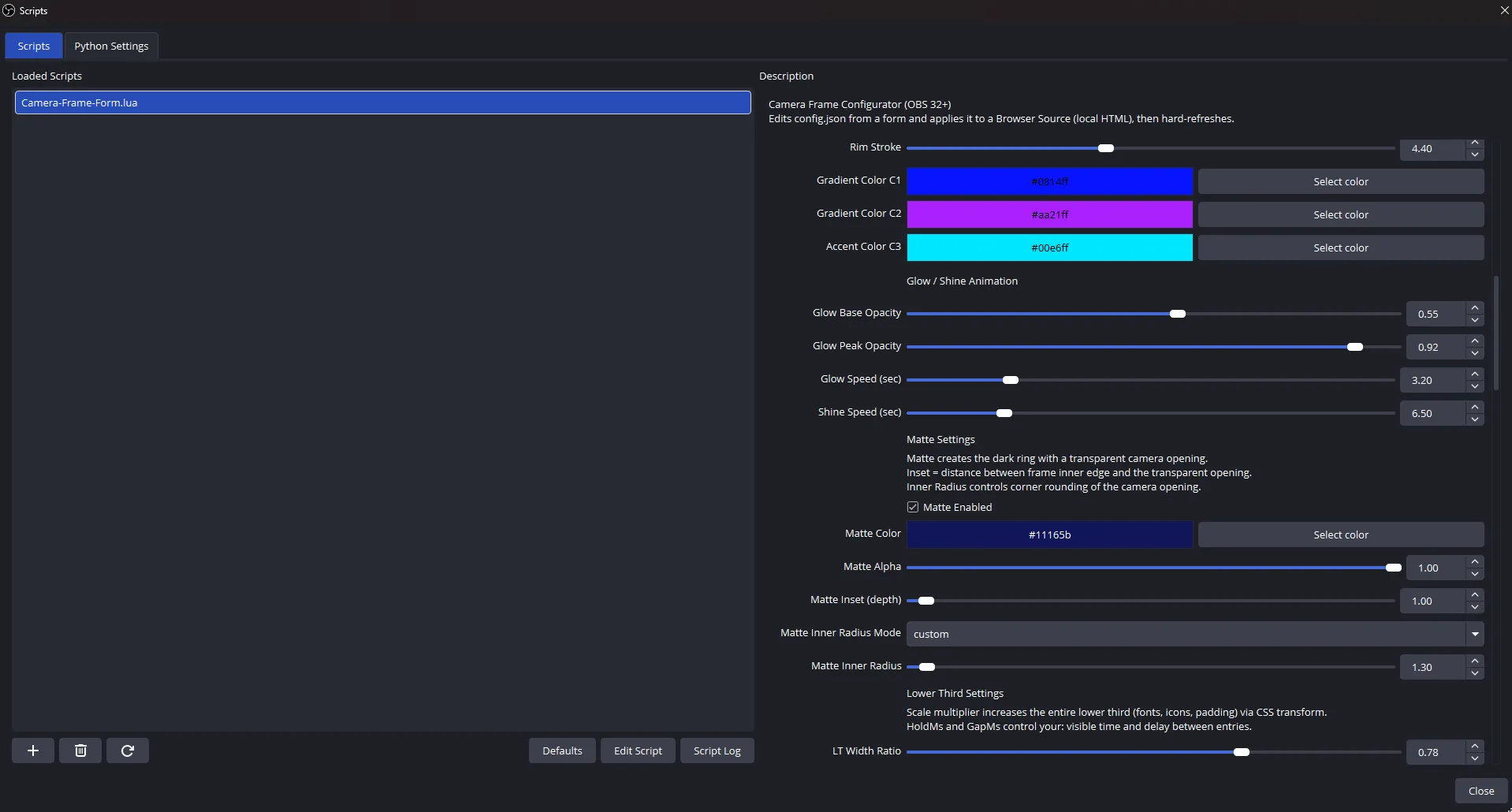
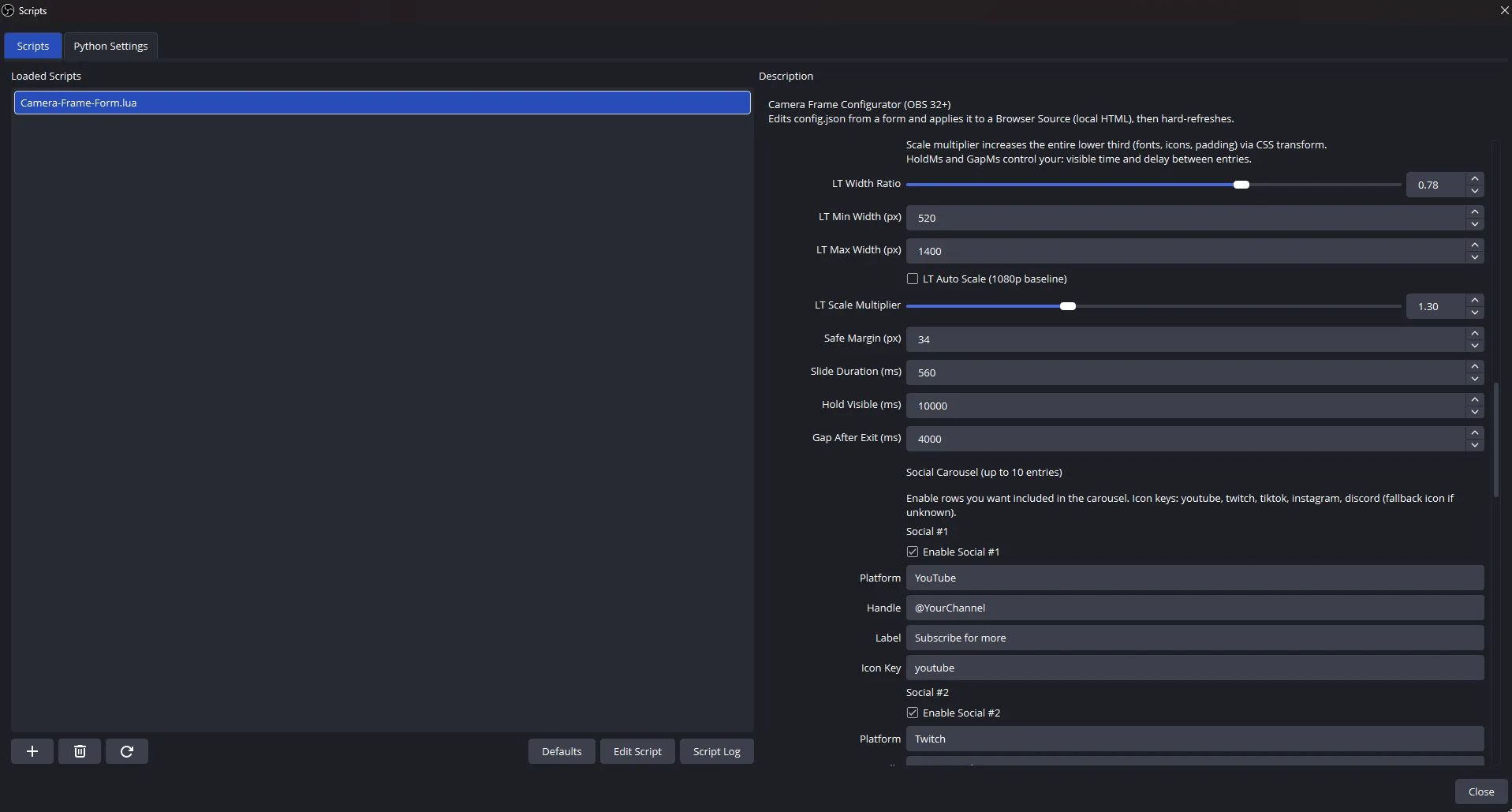
Option B: Use the included OBS Lua configurator. The script provides a visual form inside OBS where you can change colors, sizing, animation timing, and automatically apply updates to your Browser Source.
Performance Friendly
Built with streaming performance in mind, the overlay uses efficient CSS and SVG rendering and runs entirely inside the OBS / Streamlabs browser engine. Effects such as glow, blur, and animation can be tuned or disabled if needed.
Ideal For
This camera frame is ideal for: Twitch streamers, YouTube Live creators, KICK streamers, and anyone looking to upgrade their camera presentation without relying on heavy overlay packages or locked-in designs.

