






Smart Lower Thirds v2.7.0 - Turning Your Stream into a Broadcast-Grade Production
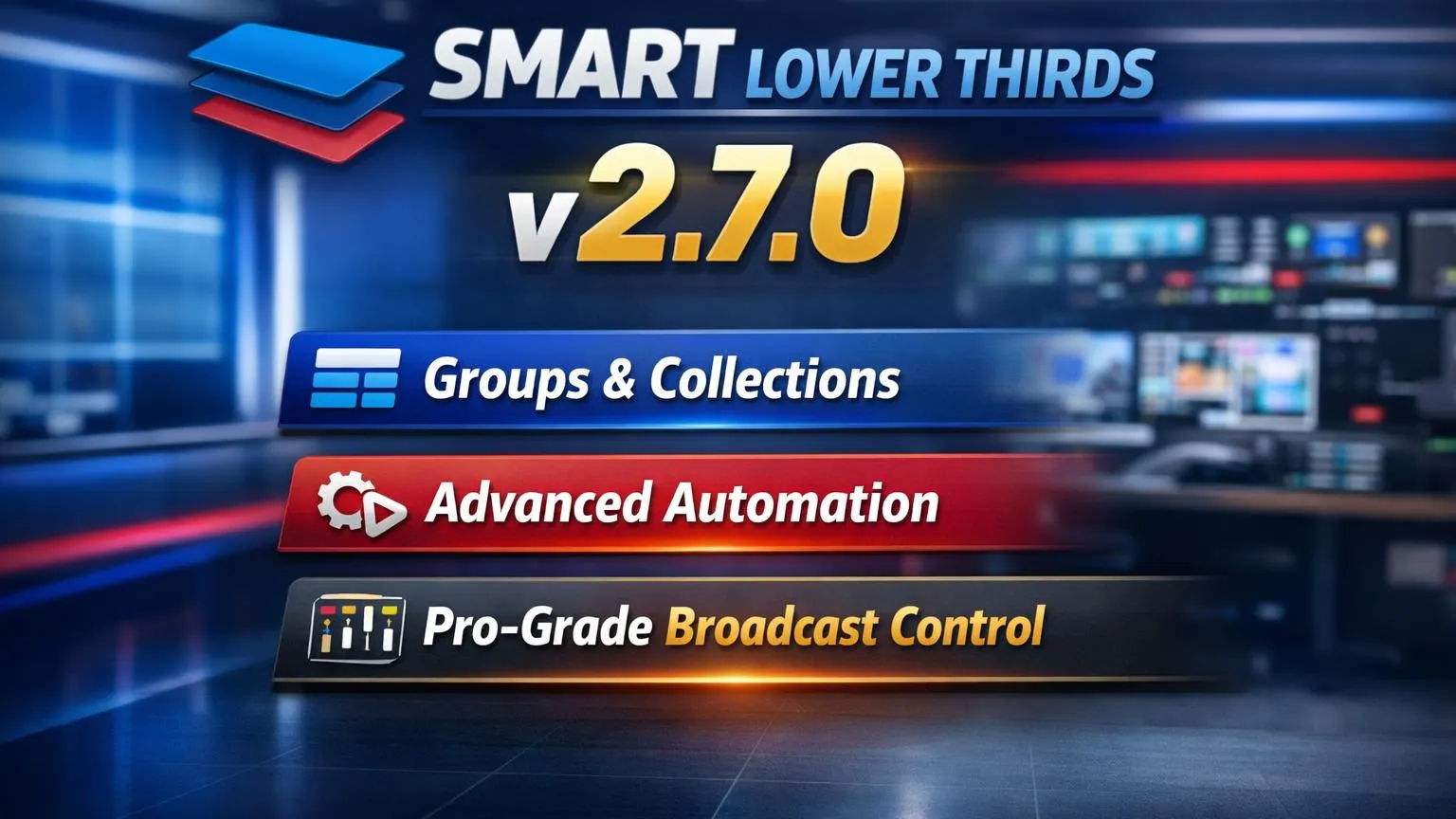
With version 2.7.0, Smart Lower Thirds evolves from a powerful overlay tool into a true broadcast control system for OBS Studio. This release introduces a new Group architecture, precise scheduling, conflict-free hotkeys, and smarter runtime behavior that together elevate any livestream to a professional television-style production.
If you want the full feature overview and install details, visit the main resource page: Smart Lower Thirds on obscountdown.com.
Groups: Intelligent Control, Not Just Animation
Lower Thirds can now be organized into Groups (formerly carousels), each acting as an automated playback system. A Group can rotate titles, speakers, sponsors, or alerts with perfect timing, while still allowing instant manual override when the show demands it.
With Exclusive Mode, a Group guarantees clean visuals: when one element appears, all others in the same Group are automatically hidden. This ensures that your stream never looks cluttered and always maintains a clear, professional composition.
Broadcast-Accurate Timing
Group playback now respects exact Visible Duration and Time Between Items, configured in seconds for intuitive control. A live countdown shows when the current graphic will hide, giving streamers the same level of timing awareness used in television control rooms.
One-Key Control with Smart Hotkeys
Each Group supports a single Toggle Hotkey that starts or stops its playback instantly. Hotkeys are globally unique and automatically managed, so conflicts are resolved for you. Whether you are switching speakers, showing sponsor loops, or rotating social tags, everything can be triggered in perfect sync with your show flow.
Manual Control Always Wins
When you manually trigger a Lower Third from the dock, any running Group is automatically stopped. This gives the presenter full creative authority at all times, just like a live TV director overriding automation for a breaking moment.
A Cleaner, More Professional Dock
The dock layout has been refined with balanced two-column rows, aligned controls, and streamlined Group settings. Important options such as Loop and Exclusive are now clearly positioned, making daily operation faster and visually more pleasant.
Always Up to Date
On every OBS start, Smart Lower Thirds now checks live for plugin updates and marketplace content. If you are online, you always see the latest templates and versions; if not, the system safely falls back to the local cache. Your production environment stays modern without manual refreshes.
Upgrade Your Look with Templates
To instantly expand your on-stream style, browse the library of ready-to-use lower third packs here: Lower Thirds Templates Marketplace. Pairing v2.7.0 Groups with modern templates makes it easy to build a consistent on-brand broadcast package in minutes.
From Stream to Studio
All these improvements in v2.7.0 push Smart Lower Thirds beyond simple animated name tags. With Groups, exclusive visibility, precise timing, toggle hotkeys, and real-time updates, your livestream gains the structure, reliability, and polish of a professional broadcast studio.
Whether you run a gaming channel, a podcast, an esports event, or a corporate stream, Smart Lower Thirds v2.7.0 gives you the tools to present your content with confidence, consistency, and true broadcast-grade quality.
Get started here: Download / Learn More about Smart Lower Thirds and explore new styles any time via the Lower Thirds Templates Marketplace.