






Smart Lower Thirds v2.6.0 - The Biggest Upgrade Yet for Free OBS Lower Thirds
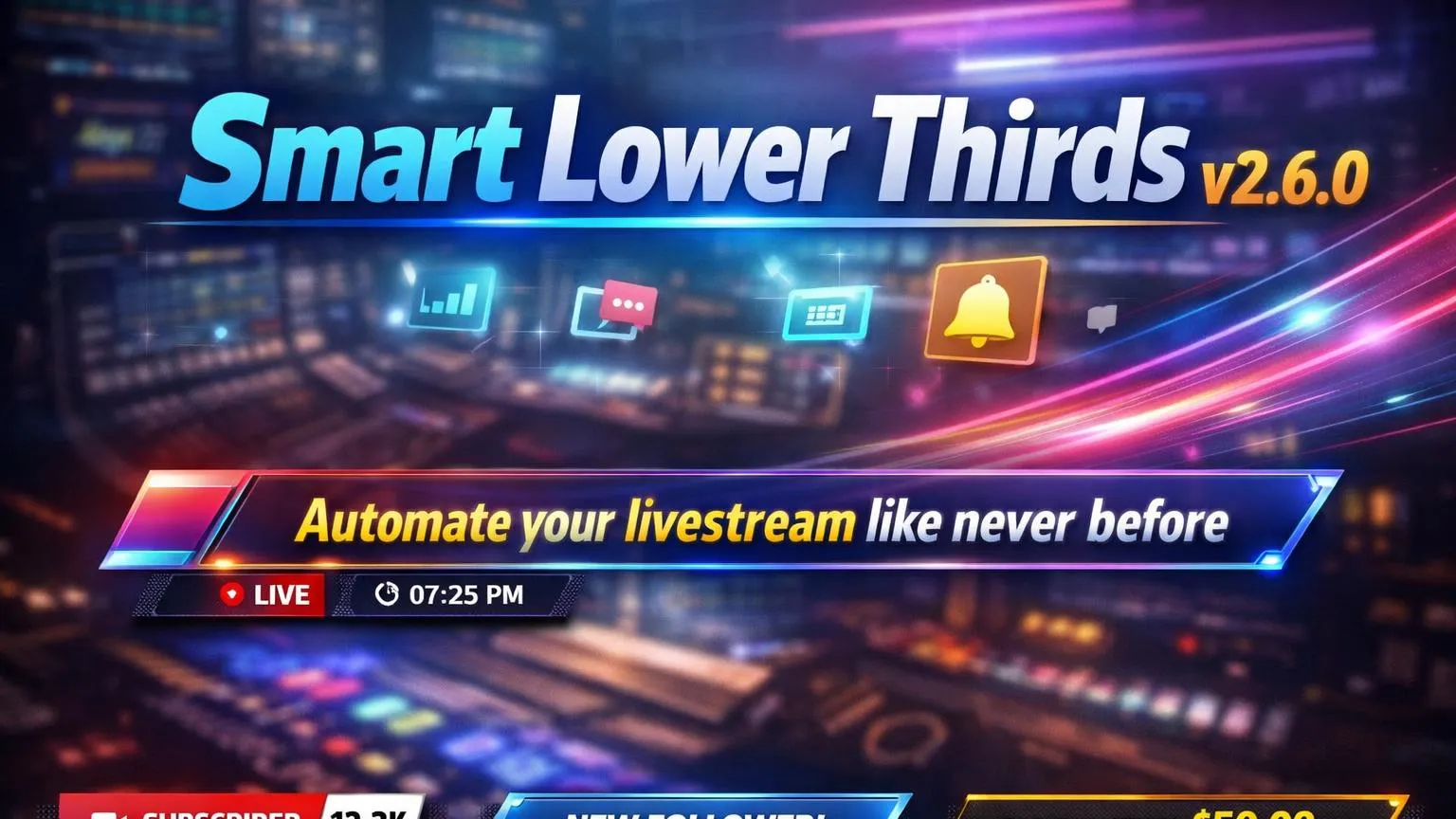
If you’re looking for a free OBS Studio lower thirds plugin that feels like broadcast software, Smart Lower Thirds v2.6.0 is the release you’ve been waiting for. This update isn’t just “more features” it’s a workflow upgrade: cleaner control in the dock, smarter automation, stronger customization, and a much more reliable animation pipeline for advanced templates.
Download / Resource page: https://obscountdown.com/r/smart-lower-thirds
Smart Lower Thirds v2.6.0 turns lower thirds into a true on-air graphics system: controlled, automated, and built to scale across scenes and layouts.
This video preview shows the new carousel workflow, browser source management, and the upgraded dock experience.
If you’ve ever fought with messy overlays, duplicated browser sources, or animation issues that only happen live (pain), this update is designed to remove that friction.
What’s New in v2.6.0
This release focuses on three big pillars: control (where and how LTs show), automation (carousels + WebSocket events), and reliability (CSS keyframes pipeline + template lifecycle hooks).
Managed Browser Source Selection
You can now pick which OBS Browser Source will display lower thirds using a managed combo box listing all available browser sources. This makes multi-scene setups far easier to maintain, especially when you have multiple overlay layouts.
Dynamic Browser Source Scaling
New width and height settings inside the dock let you resize the browser source on the fly no more relying on hardcoded values or constantly reopening OBS source properties.
Radio Mode (Auto-Exclusive Switching)
Enable Radio Mode and the plugin automatically deactivates any other active lower third when you trigger a new one. Perfect for broadcast-style operation where only one graphic should be on-screen at a time.
Custom Dock Labels + Reordering
Add a dedicated Label field for clean dock naming (without touching internal names), and reorder items using Up/Down controls like you do with OBS sources.
The New Lower Thirds Carousel System
The headline feature in v2.6.0 is the new Lower Thirds Carousel. Instead of manually triggering multiple lower thirds, you can now group them under a single controller and let the plugin run the sequence automatically like an on-air rundown.
Carousel Highlights
- Create multiple carousels and control each independently
- Assign specific lower thirds to a carousel (exclusive ownership)
- Order mode: Linear or Randomized
- Loop option: run indefinitely or stop after the last item
- Visible Duration per item
- Time Between Items delay
- Dock Highlight Color to show carousel membership
Why “One Carousel per LT” Matters
A lower third can belong to only one carousel because the carousel becomes the parent controller that centralizes timing and toggle behavior. In practice, this prevents conflicting automation rules and keeps your on-air logic predictable.
If your stream has rotating sponsors, social handles, “now playing”, or repeating reminders, the carousel turns that into a set-and-forget system.
Template Power: Lifecycle Hooks + New Placeholders
For creators building advanced templates, v2.6.0 adds awaited lifecycle hooks in the base animation script:
__slt_onShowncalled after the animate-in completes__slt_beforeHidecalled before animate-out starts (awaited)
These hooks unlock more professional control: start secondary animations exactly when the lower third finishes entering, run async logic before exit, or coordinate multiple visual layers without guessing timing values.
This release also adds new template parameters/placeholders such as radius, opacity, and text size, making it easier to build responsive designs without hardcoding styles.
CSS & Animation Reliability: Keyframes Done Right
Custom animation support has been significantly improved. The lower thirds CSS pipeline now safely extracts all
@keyframes and @-webkit-keyframes blocks before scoping, preventing invalid selector rewriting.
Keyframes are deduplicated across styles, conflicts are resolved when identical names have different definitions, and the final clean keyframe set is appended once to lt-styles.css.
Translation: your custom CSS and JS animations work reliably without broken syntax, collisions, or “why did my animation name get mangled?” moments.
WebSocket Bridge Expansion for Automation
If you control your stream with bots, dashboards, Stream Deck integrations, or external tools, v2.6.0 expands the WebSocket bridge with new events:
CreateLowerThirdCloneLowerThirdDeleteLowerThirdReloadFromDisk(reloads the dock when state is updated externally)
This makes Smart Lower Thirds a better fit for production pipelines where overlays are updated dynamically or managed from outside OBS.
Quality-of-Life Improvements That You’ll Notice Immediately
Settings Dialog Overhaul
- Tabbed design for small screens
- Non-modal dialog (doesn’t block the dock)
- Save & Apply closes instantly (no “Saved” popup)
- Fixed settings dialog opening glitch
Image Handling & Safety
- Delete button next to profile image browse
- Confirmation dialog to prevent accidental deletion
- Physical file deletion + profile string cleanup
- Fixed file mismatch issues when cloning/deleting images
Browser Source Reliability
- Fixed browser sources not loading correctly at OBS startup
- Optional auto refresh when browser sources are created/removed
Better Defaults & Dev Tooling
- Cleaned and refined default lower third style
- Removed auto fade on newly created lower thirds
- Base script documentation added to JS templates
- Open templates in your favorite editor
- New troubleshooting dialog
Get Smart Lower Thirds v2.6.0
If you want a free OBS lower thirds plugin that can handle automation, broadcast-grade workflows, and advanced animations, Smart Lower Thirds v2.6.0 is built for exactly that.
Resource page: https://obscountdown.com/r/smart-lower-thirds
Upgrade once, then enjoy the part where your stream looks more professional than it has any right to be especially for a free plugin.