








plugin
windows
macos
linux
Audio Stems Recorder for OBS Studio
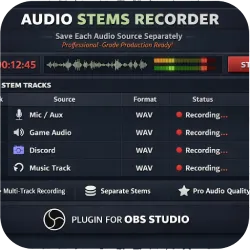
Audio Stems Recorder is an OBS Studio plugin that saves OBS audio separately as high-quality WAV stems per source. It auto-records on start/stop of streaming or recording and includes trimming, normalization, markers, aliases, and session metadata.
Screenshots
Preview


Audio Stems Recorder for OBS Studio: Save OBS Audio Separately as Professional WAV Stems
Record every sound in your stream as its own professional audio layer.
Audio Stems Recorder is an OBS Studio plugin that helps creators save OBS Studio audio separately by recording each selected audio source into its own high-quality WAV file. Whenever you start or stop Recording or Streaming, the plugin automatically captures clean, perfectly synced audio stems so instead of one mixed track, you get independent tracks ready for editing, highlights, podcasts, and post-production.
What This OBS Plugin Lets You Do
Isolated Audio Layers (True Stems)
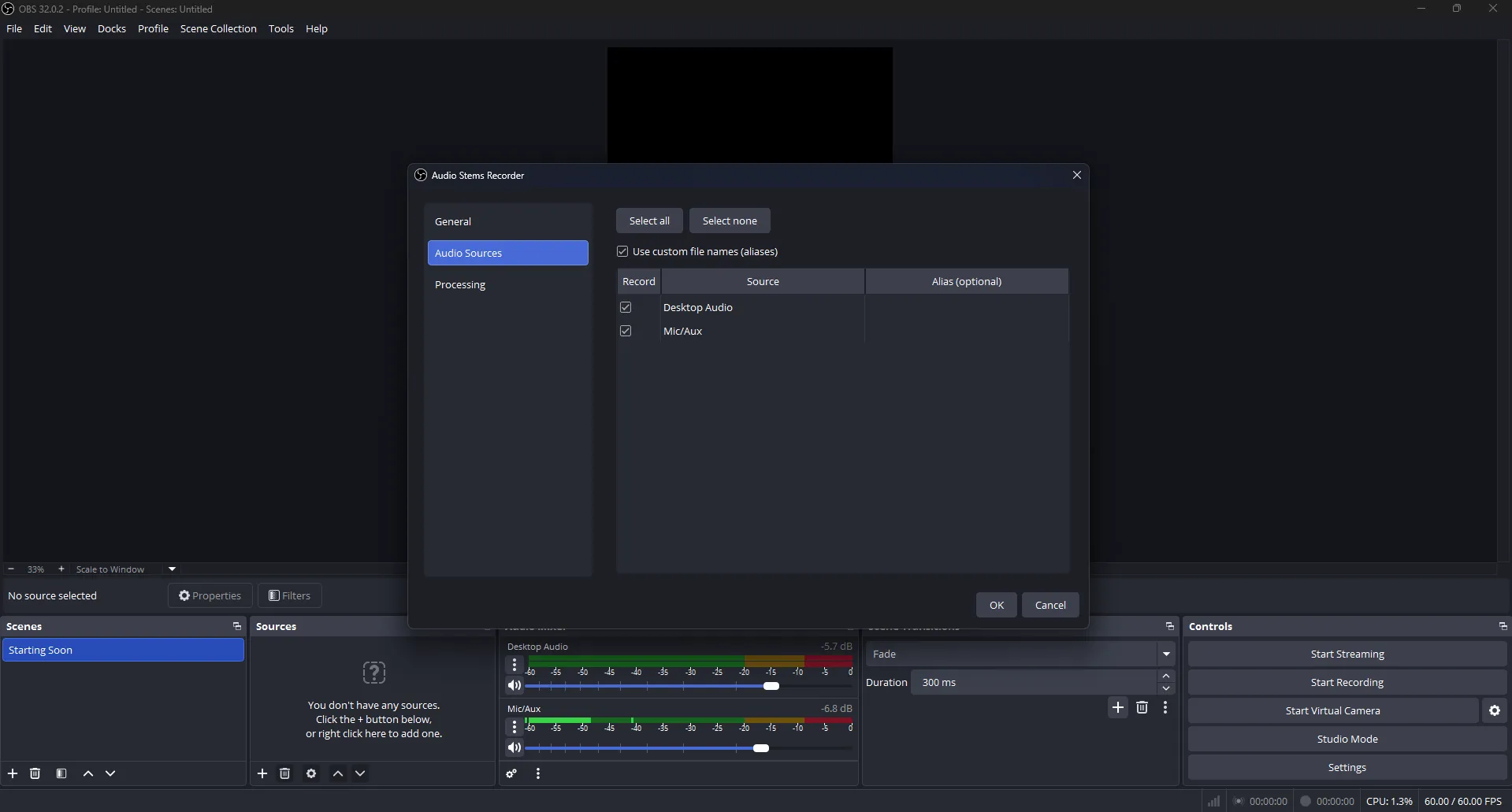
Record each OBS audio source independently, including:
- Microphone
- Game audio
- Discord / voice chat
- Music
- Browser audio
- Any OBS audio source
Each source becomes its own uncompressed WAV stem, preserving full quality for professional workflows.
Automatic Capture on Recording or Streaming
Audio Stems Recorder can be configured to start and stop automatically with:
- OBS Recording start/stop
- OBS Streaming start/stop
No extra buttons, no manual exporting just clean OBS multi-track audio recording behavior that runs in the background.
Clean, Organized Session Folders
Every session is saved into its own folder, keeping your stems organized and easy to find. Example structure:
2026-01-19_20-14-33_RECORDING
 ├─ Mic.wav
 ├─ Game.wav
 ├─ Discord.wav
 ├─ Music.wav
 └─ session.json
Or for live sessions:
2026-01-19_20-14-33_STREAMING
 ├─ Mic.wav
 ├─ Game.wav
 ├─ Discord.wav
 ├─ Music.wav
 └─ session.json
This makes it straightforward to manage projects where you need OBS audio tracks saved separately per recording or stream.
Post-Production Ready Tools
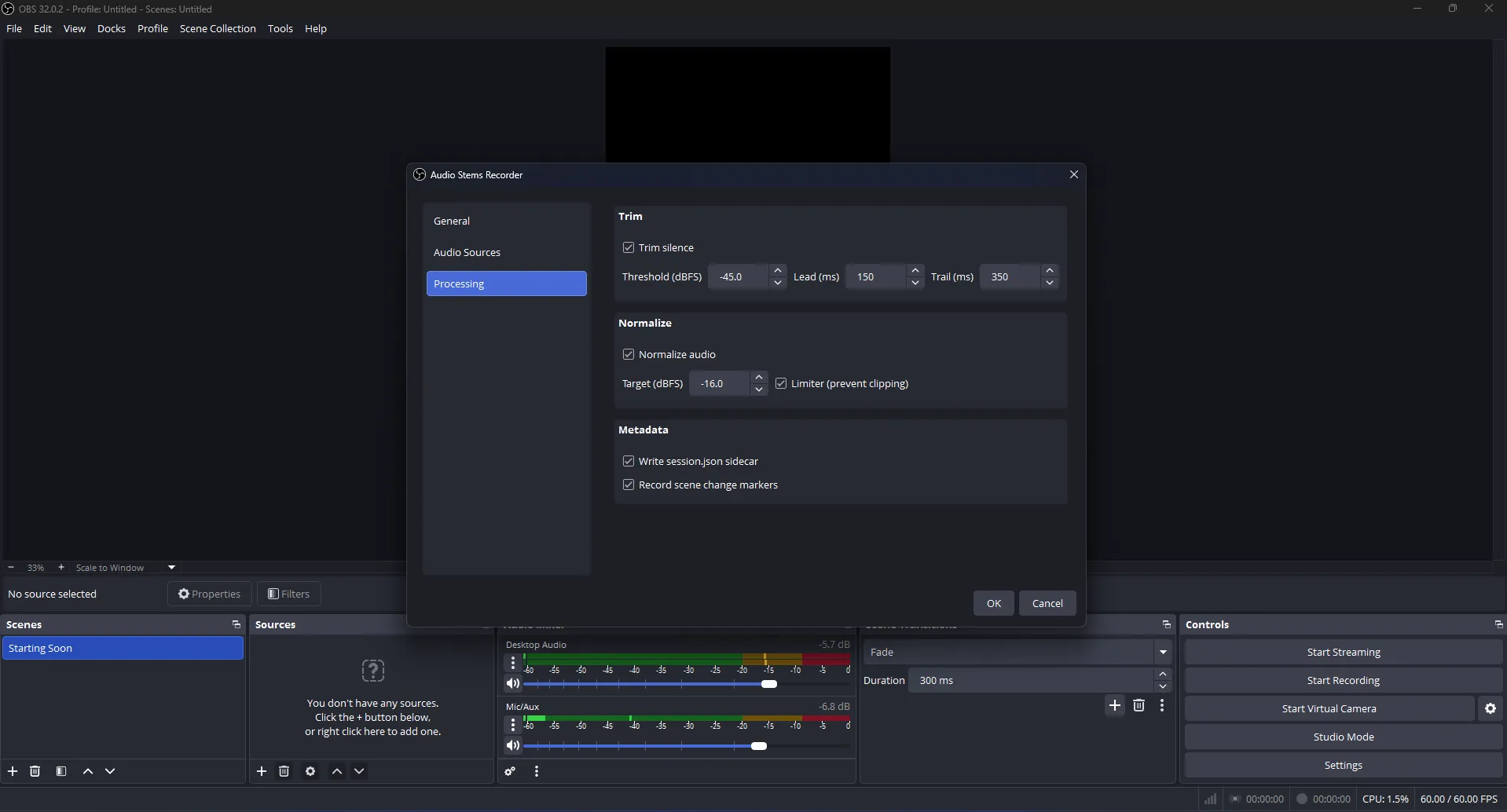
The plugin includes processing features designed for editing and delivery:
- Silence trimming for clean starts and ends
- Loudness normalization for consistent levels
- Scene change markers for faster editing
- Time-aligned metadata for accurate sync
- Custom source aliases for clean file names
Why Saving OBS Audio Separately Is a Game Changer
Shorts, Highlights, and Vertical Edits
For TikTok, Reels, and YouTube Shorts, separate stems give you full control:
- Lower music without affecting voice
- Clean up Discord chat separately
- Boost reactions and punchlines
- Remix audio for vertical formats
Podcast and Voice Editing Workflows
When you record OBS audio separately, editing becomes dramatically easier:
- Isolate each speaker as its own track
- Apply noise reduction per voice
- Run transcription per stem
- Deliver broadcast-ready loudness
Professional Broadcast-Style Post Production
Film and TV rely on stems for a reason: the edit stays flexible. With Audio Stems Recorder, OBS becomes a true multi-track audio recorder:
- True independent audio tracks
- Full control in post-production
- No more fighting one flattened mix
Safety and Reliability
Designed for real streaming conditions, the workflow prioritizes stability:
- Crash-safe recording with recovery-friendly session output
- Proper WAV finalization on unexpected stops
- Reduced risk of losing an entire session’s audio
The Result: Real OBS Audio Stems, Not a Flat Mix
You no longer edit a single mixed track.
You edit real stems voice, game, music, and chat each on its own timeline, perfectly synced and ready for professional-grade production.
Audio Stems Recorder turns OBS Studio into a practical OBS multi-track WAV recorder, enabling creators to save OBS Studio audio separately and produce cleaner edits, better highlights, and more polished content across YouTube, Twitch, Kick, and beyond.
Community Videos
Creators talking about Audio Stems Recorder for OBS Studio.
Please log in to submit.
Preparing your download
Help keep this projects free
Your support funds hosting, updates, and new features for obscountdown.com tools.


15
seconds
Preparing Audio Stems Recorder for OBS Studio download URL…
If nothing happens, use the manual button below.
Your browser may block automatic redirects in some cases.